
Data extraction
Navigate pages, handle dynamic content, and extract structured data with CSS selectors or JavaScript. Export as JSON or push to Baserow, webhooks, or any API.
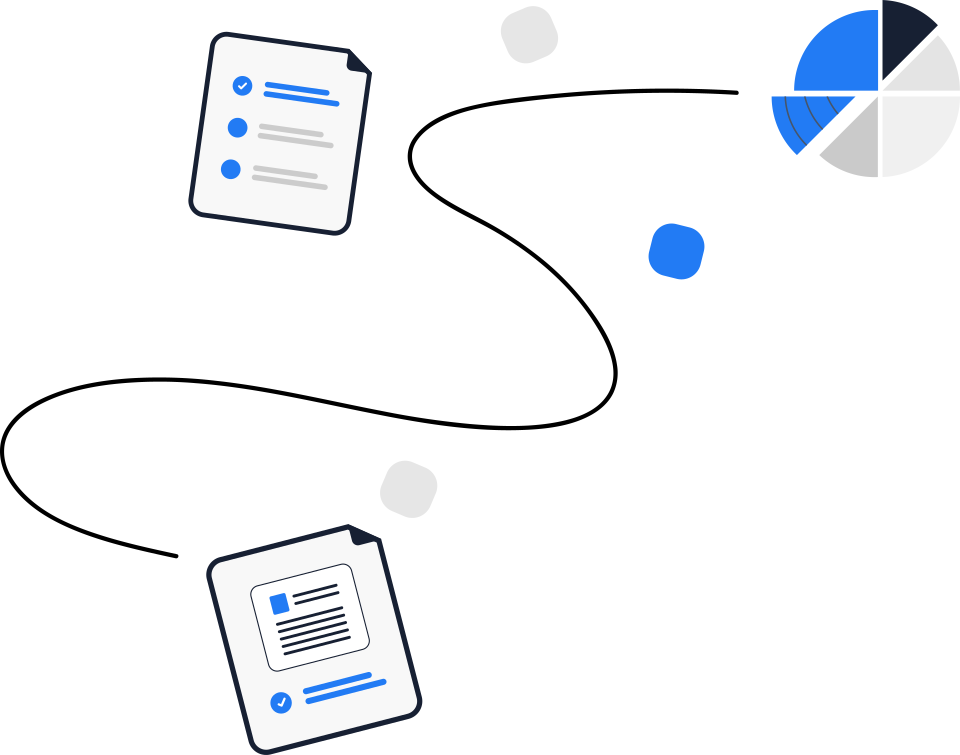
Build visual workflows for repetitive browser tasks, then trigger them with a single API call, or on a recurring schedule—all completely free and open source.
Drag browser actions into a workflow, add logic and variables, then call it from anywhere through the API. Scheduled and manual runs work too.

Trigger any workflow with an API call and get back structured output, screenshots, and execution logs.
Navigate pages, handle dynamic content, and extract structured data with CSS selectors or JavaScript. Export as JSON or push to Baserow, webhooks, or any API.
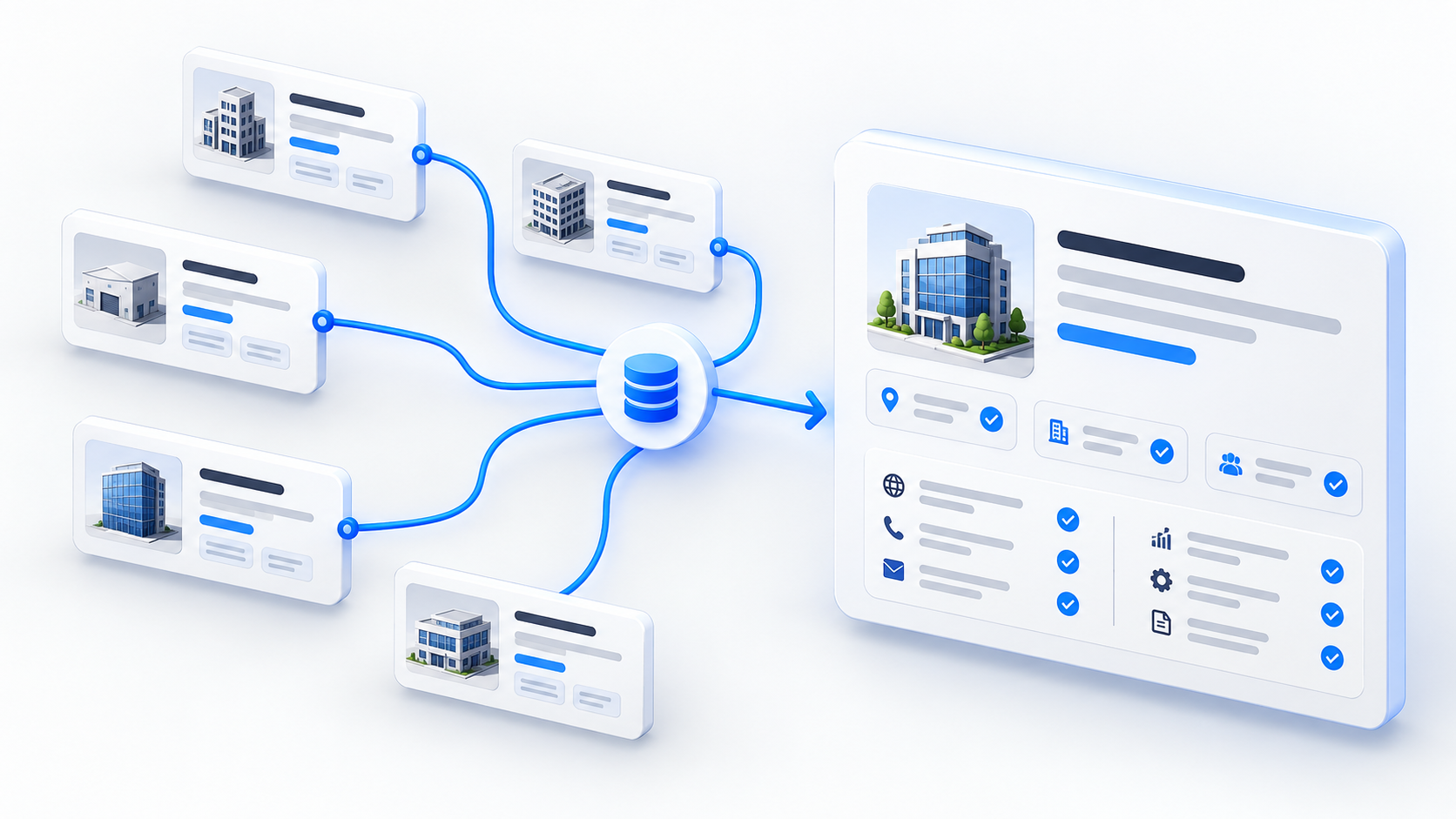
Chain multiple sites in a single workflow. Pull company size, tech stack, and open roles, merge the results, and export clean, structured records.
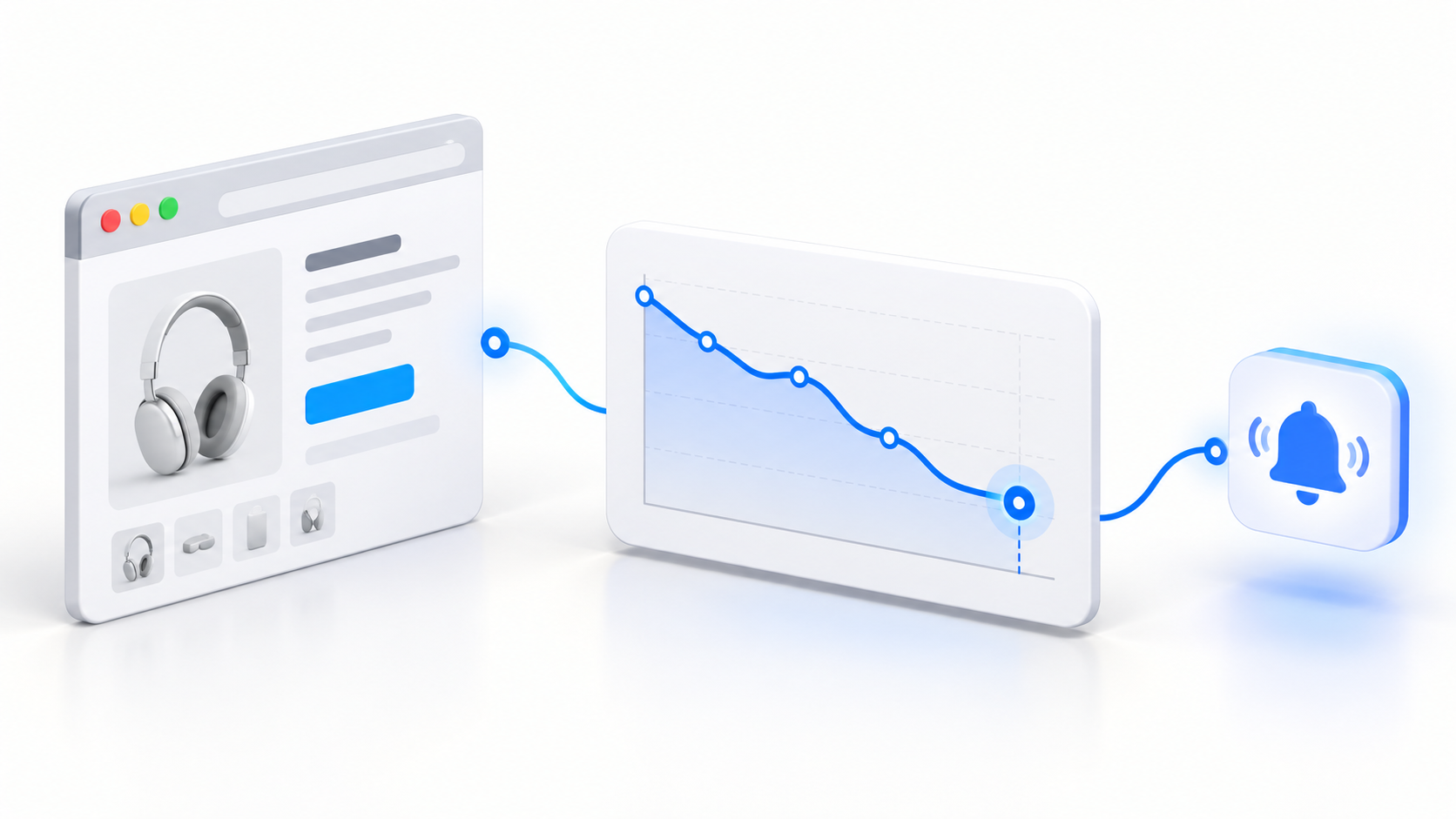
Check pages as often as every few minutes, compare values across runs, and push changes straight to your own systems through the API.
A full REST API, visual workflows, scheduling, proxies, recordings, variables, and JavaScript, all in one self-hosted runtime.
Every workflow is an endpoint. Create, trigger, and monitor runs from your own code, and get results back as structured data.
Click, type, scroll, navigate, wait, and capture. Combine reusable blocks into any browser flow.
Run JavaScript directly in the browser to extract data, manipulate pages, or transform information between steps.
Pass data between steps and use runtime values to adapt each run.
Every run is recorded with screenshots and video. Review executions and replay what happened from the dashboard.
Run workflows every few minutes, daily, weekly, monthly, or on a custom schedule. No external cron jobs needed.
Manage HTTP and SOCKS5 proxies and rotate them automatically per task.
Natural typing, cursor movement, scrolling, and idle time, so automated sessions behave like real ones.
Build a deterministic workflow once, then call it through the API from AI agents, your own code, or low-code tools. Webhooks and schedules are built in too.

Connect Figranium to your stack and automate the browser from any tool.






Automate repetitive browser work with Figranium - from portal tasks and price monitoring to QA, lead enrichment, and scheduled file collection.
Get startedRuns on your own infrastructure. Node.js backend, React frontend, Playwright under the hood.