
Figranium v0.17: Cabinets, Uploads, and Stronger Release Qualification
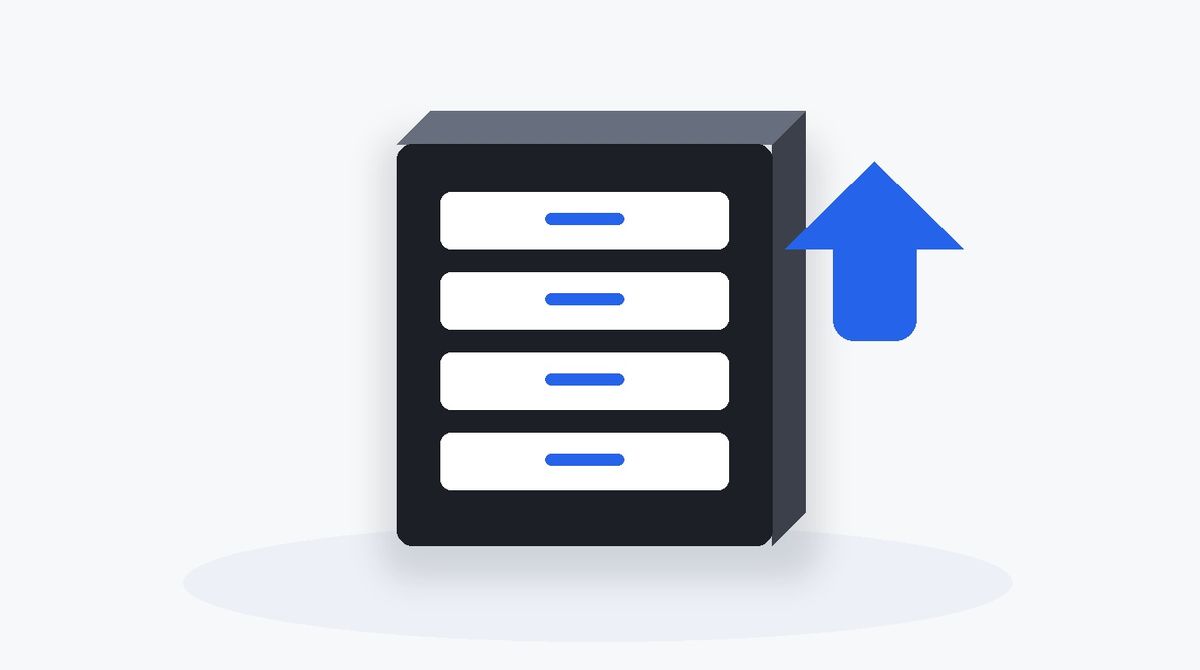
Figranium v0.17 introduces Cabinets: durable, installation-wide download queues that make downloaded files reusable across automations instead of treating them as one-off execution artifacts.
It also adds first-class upload actions, several editor and interface refinements, and a much stronger deterministic release qualification suite.
Cabinets: durable download queues#
Each installation now has shared Cabinets for storing intercepted browser downloads. New installations start with a default Basic Cabinet, while legacy intercepted downloads are migrated automatically.
Cabinet items are stored in isolated directories so original filenames and folder structures can be preserved without collisions. Each item tracks its name, kind, size, timestamps, upload status, and source Task and execution.
From the Cabinets workspace and API, you can create and rename Cabinets, clear them, change item status, delete items in bulk, migrate or delete Cabinets, download stored items, create ZIP archives, and safely extract compatible archives.
Tasks can now choose which Cabinet receives their downloads. Migrated legacy capture download links continue to work after the transition.
Upload files directly from Cabinets#
v0.17 adds two new Agent actions: Upload and Finalize Uploads.
Upload selects the newest unuploaded item in the chosen Cabinet and attaches it to the page. It supports ordinary files, ZIP archives, compatible folders, native file inputs, file choosers, and drop targets.
This makes download-then-upload workflows much easier to build. A Task can download a file in one part of a flow, keep it in a Cabinet, and later attach it to another website without manually moving the file outside Figranium.
Finalize Uploads marks all Cabinet items attached during the current execution as uploaded. Keeping finalization separate means items are only consumed when the workflow reaches the point where you decide the upload was successful.
The Cabinet Task field and upload action behavior are also documented in AGENT_SPEC.md.
Editor and interface refinements#
Cabinet and execution downloads now use extension-aware monochrome file icons, including a dedicated CSV glyph.
Settings tabs and individual Cabinets now have direct, reload-safe URLs. Invalid Cabinet URLs fall back to the default Cabinet instead of leaving the interface in a broken state.
On macOS, the sidebar now supports Option-number navigation. The sidebar add button has a clearer affordance, and For Each loop variables are no longer exposed outside their valid scope.
Cabinet controls and proxy rotation settings have also been refined, browser-native Cabinet prompts were replaced with the app's glass modal treatment, and the older theme introduction prompt was removed.
Stronger release qualification#
A major part of v0.17 is behind the scenes.
The deterministic v1 qualification suite now covers browser execution, control-flow blocks, persistence, scheduler behavior, Docker startup, PostgreSQL migration, headful operation, and concurrent execution.
The suite was also hardened by correcting false-positive assertions and CI setup issues, isolating qualification API keys, and tightening Docker cleanup and health verification.
This gives releases a much stronger automated gate before they are published and reduces the chance that flaky test behavior is mistaken for a product failure.
Security and maintenance#
Following CodeQL findings, rate limiting was added to Cabinet download, migrated-capture, Cabinet view, and SPA fallback handlers.
v0.17 also updates CLI and release documentation along with application dependencies.
The headline change is Cabinets, but the larger theme of this release is making files a durable part of automation while making releases themselves more trustworthy.