
From Sidebar to Infinity: Introducing Figranium v0.9
For a long time, building automation felt like looking through a keyhole. Our editor lived in a 30% sidebar, forcing you to scroll through a narrow vertical list of actions. It was functional, but it wasn't scalable. As your tasks grew more complex, the interface became a bottleneck.
Today, we are breaking the walls down.
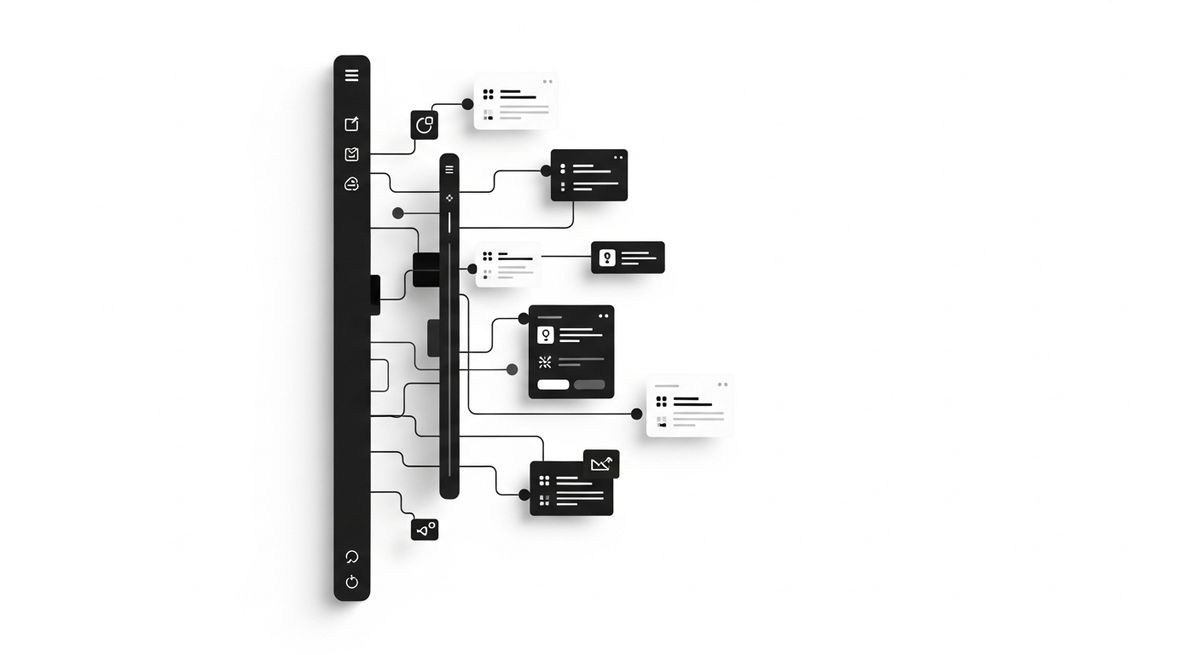
Figranium v0.9.0 is more than a name change; it is a total structural evolution. We’ve replaced the sidebar with a high-performance Infinite Canvas, transforming the editor into a spatial environment designed for the "Agentic World."
A New Identity: Figranium#
We have officially transitioned from Doppelganger to Figranium. This new brand represents our shift toward industrial-grade reliability.
- Deterministic Control: Our new tagline, "Deterministic Control for an Agentic World," reflects our mission: giving you absolute authority over how AI agents interact with the web.
- The Look: Experience a premium, ultra-clean login screen and a refined, monochrome aesthetic across the dashboard.
- Seamless Migration: While the UI is new, your workflow isn't broken. We’ve maintained CLI compatibility and
localStoragekeys so your existing tasks and settings remain intact.
Editor v2: The Infinite Canvas#
The 30% sidebar is gone. In its place is a transformable workspace that scales with your ambition.
- Spatial Freedom: Use Middle-click or Space + Drag to pan across your workspace. Use Scroll (or Ctrl + Scroll) to zoom from 0.25x to 2.0x.
- Synchronized Dot Grid: To keep you grounded, the background grid moves in perfect lock-step with your blocks, providing a consistent spatial reference no matter how far you zoom out.
- Focused Scrape Mode: Logic can get messy. When switching to Scrape mode, the canvas automatically hides action nodes and connector lines, leaving only your core configuration visible.
The Task Settings Cabinet#
To keep the Infinite Canvas clean, we’ve moved all advanced controls into a new, monochrome Slide-out Cabinet. This is your command center for high-level task management:
- Mode & Variables: Toggle between Agent and Scrape modes or manage task variables in dedicated tabs.
- Behavior Config: Deep-dive into runtime flags like Headless, Stateless, and Proxy rotation.
- Execution Tools: A full-featured code editor for data extraction scripts and a comprehensive API Tab for triggering tasks via REST with dynamic overrides.
- Version History: Access the full history of your task with the ability to preview and rollback instantly.
Aesthetic & UI Refinements#
We’ve polished every corner of the interface to reduce visual noise and highlight what matters:
- Docked Top Bar: A centered, high-visibility task title keeps you oriented within the canvas.
- Clean Blocks: We’ve removed the circular borders from the "On Execution" (formerly Trigger) block for a more modern, minimal look.
- Sophisticated Dashboard: Favicons now appear in grayscale at full opacity, transitioning to vibrant color only on hover.
Technical Stability#
This milestone is built on a rock-solid foundation. We have resolved all TypeScript and lint warnings, ensuring that v0.9.0 is our most stable build yet. All repository links have been updated to the new home: figranium/figranium.
Note to Developers: CLI compatibility is maintained—existing
doppelgangerbinary names remain supported to ensure your local scripts continue to function without modification.