Figranium provides robust control flow mechanisms to handle dynamic web pages, conditional logic, pagination, and multi-step processes.

Conditional Execution (If / Else / End)

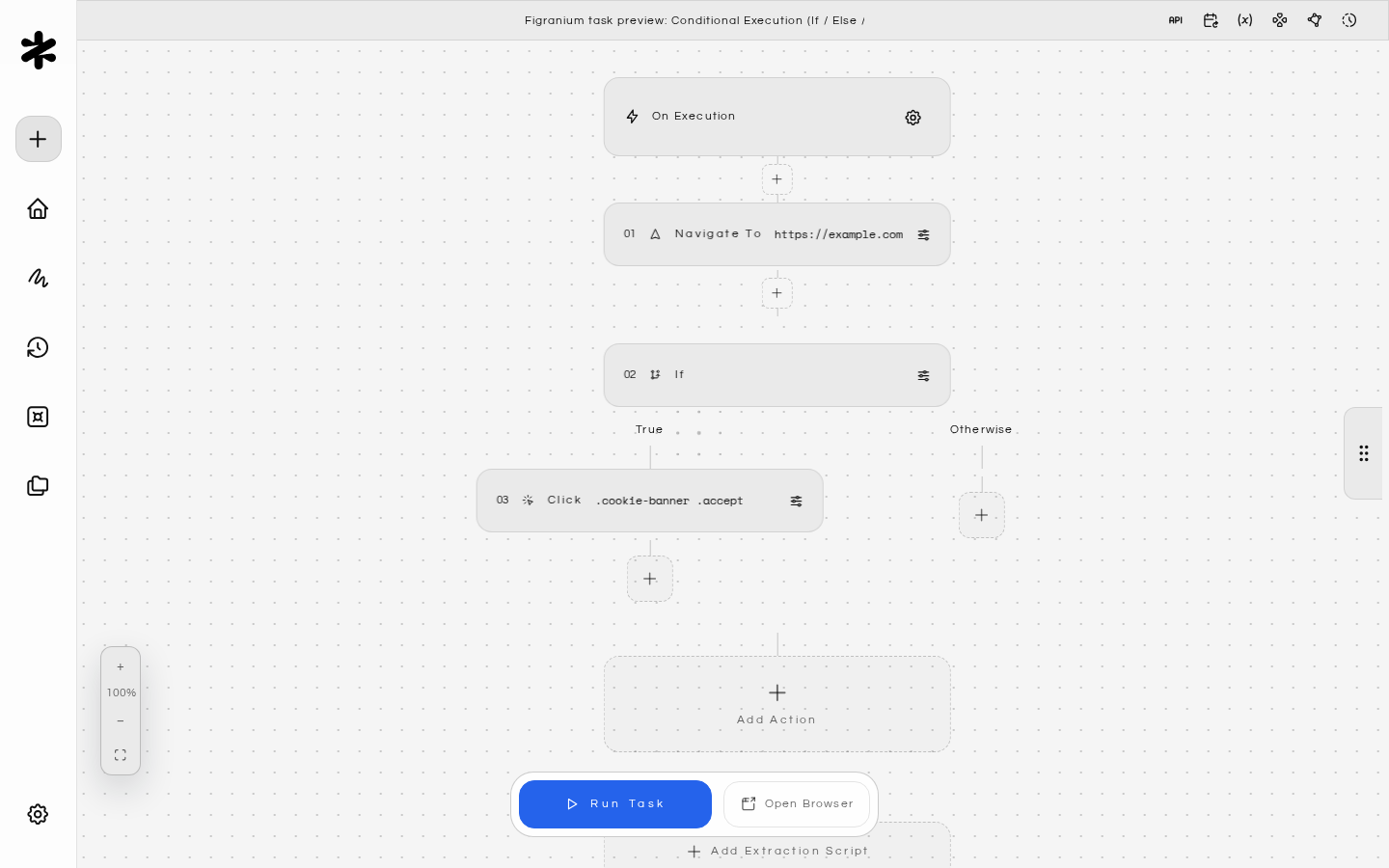
The If block executes a sequence of actions only when a condition is met.

Structure

Every if block must be closed with an end block. An optional else block can be placed between them.
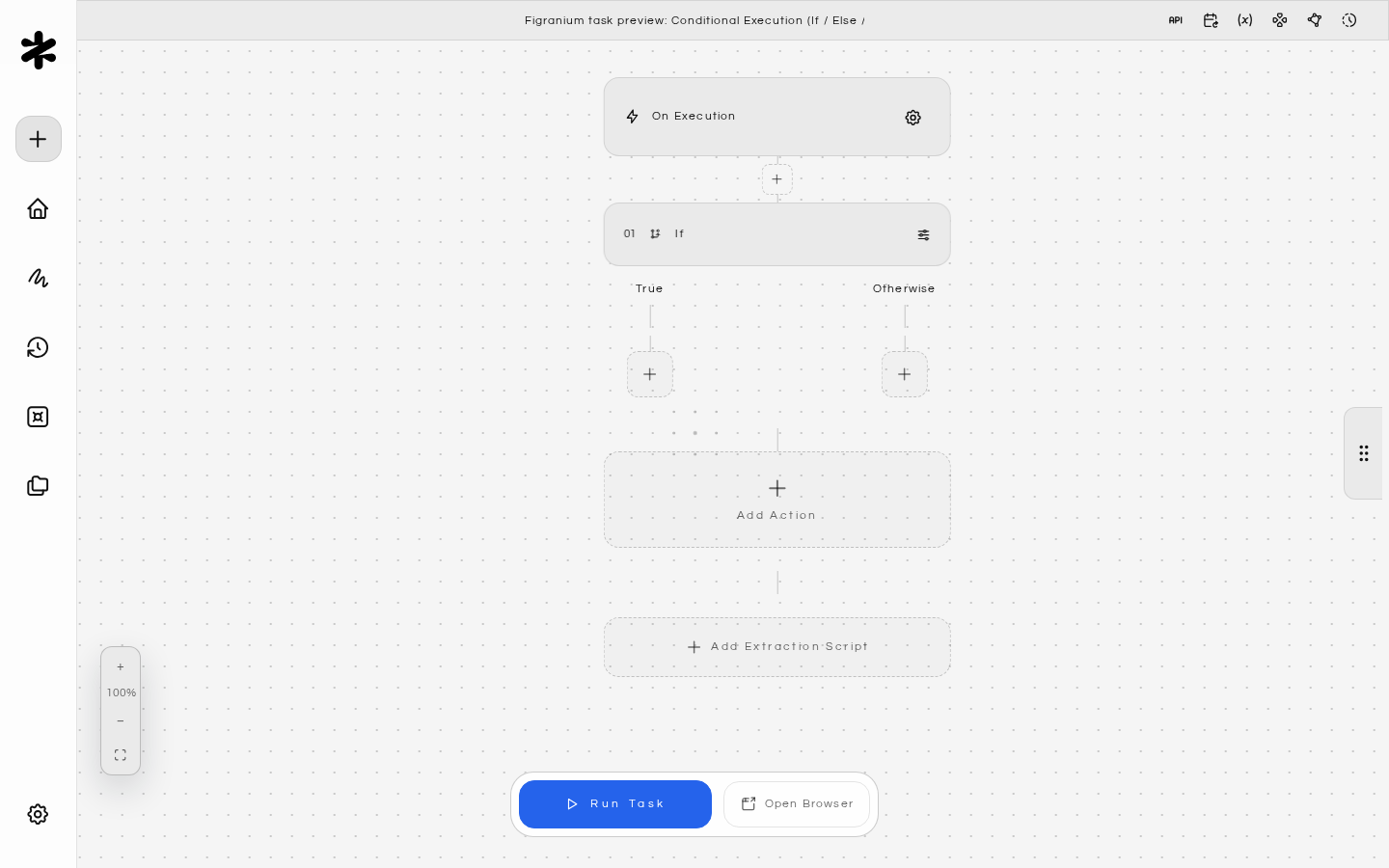
{ "type": "if",   "value": "<condition>" },
  // actions if condition is true
{ "type": "else" },
  // actions if condition is false (optional)
{ "type": "end" }

Condition Types

1. JavaScript Expression A JS expression evaluated in the browser page context. Must return a truthy/falsy value.
exists('.error-message')           // checks if element exists
text('.status') === 'Success'      // checks element text
url().includes('/dashboard')       // checks current URL
{$count} > 5                       // compares a variable
block.output !== ''                // checks previous block result
Available helpers in expressions:
HelperDescription
exists(selector)Returns true if the element is found in the DOM
text(selector)Returns the text content of the first matching element
url()Returns the current page URL
vars.nameAccess a runtime variable by name
block.outputThe result of the previous action block
htmlThe full page HTML as a string
2. Structured Condition A form-based alternative to JS expressions. Define a variable or selector, an operator, and a comparison value.
FieldDescription
conditionVarTypestring, number, or boolean
conditionVarVariable name or {$varName} reference
conditionOpComparison operator (see table below)
conditionValueThe value to compare against
Operators by type:
TypeOperators
Stringequals, not_equals, contains, starts_with, ends_with, matches (regex)
Numberequals, not_equals, gt, gte, lt, lte
Booleanis_true, is_false

Example: Login Check

Check whether the user is already logged in, and skip the login form if so:
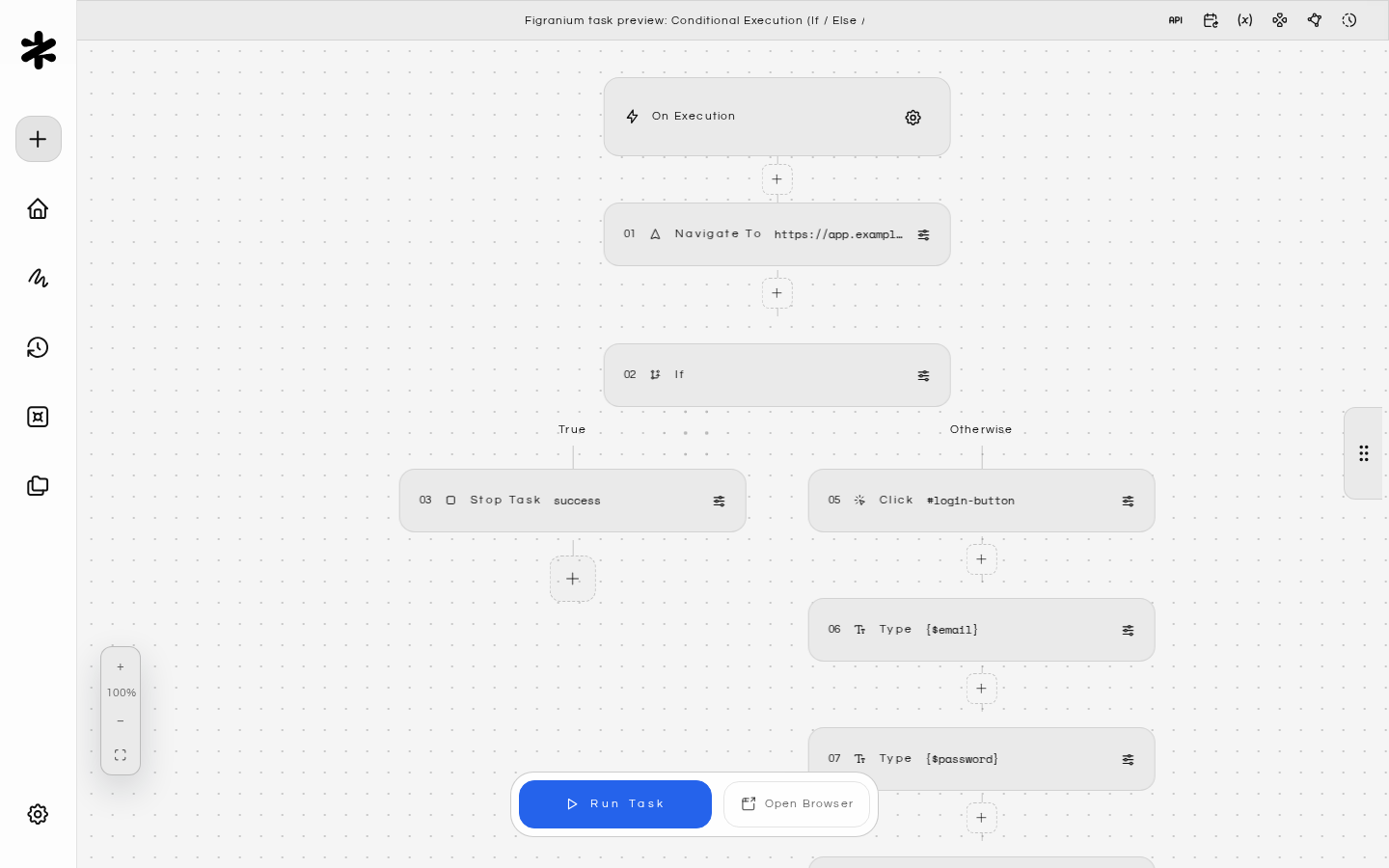
{ "type": "navigate", "value": "https://app.example.com" },
{ "type": "if", "value": "exists('.user-avatar')" },
  { "type": "stop", "value": "success" },
{ "type": "else" },
  { "type": "click", "selector": "#login-button" },
  { "type": "type", "selector": "#email", "value": "{$email}" },
  { "type": "type", "selector": "#password", "value": "{$password}" },
  { "type": "click", "selector": "[type='submit']" },
{ "type": "end" }

Nested Conditions

You can nest if blocks inside each other. Each nested block requires its own end:
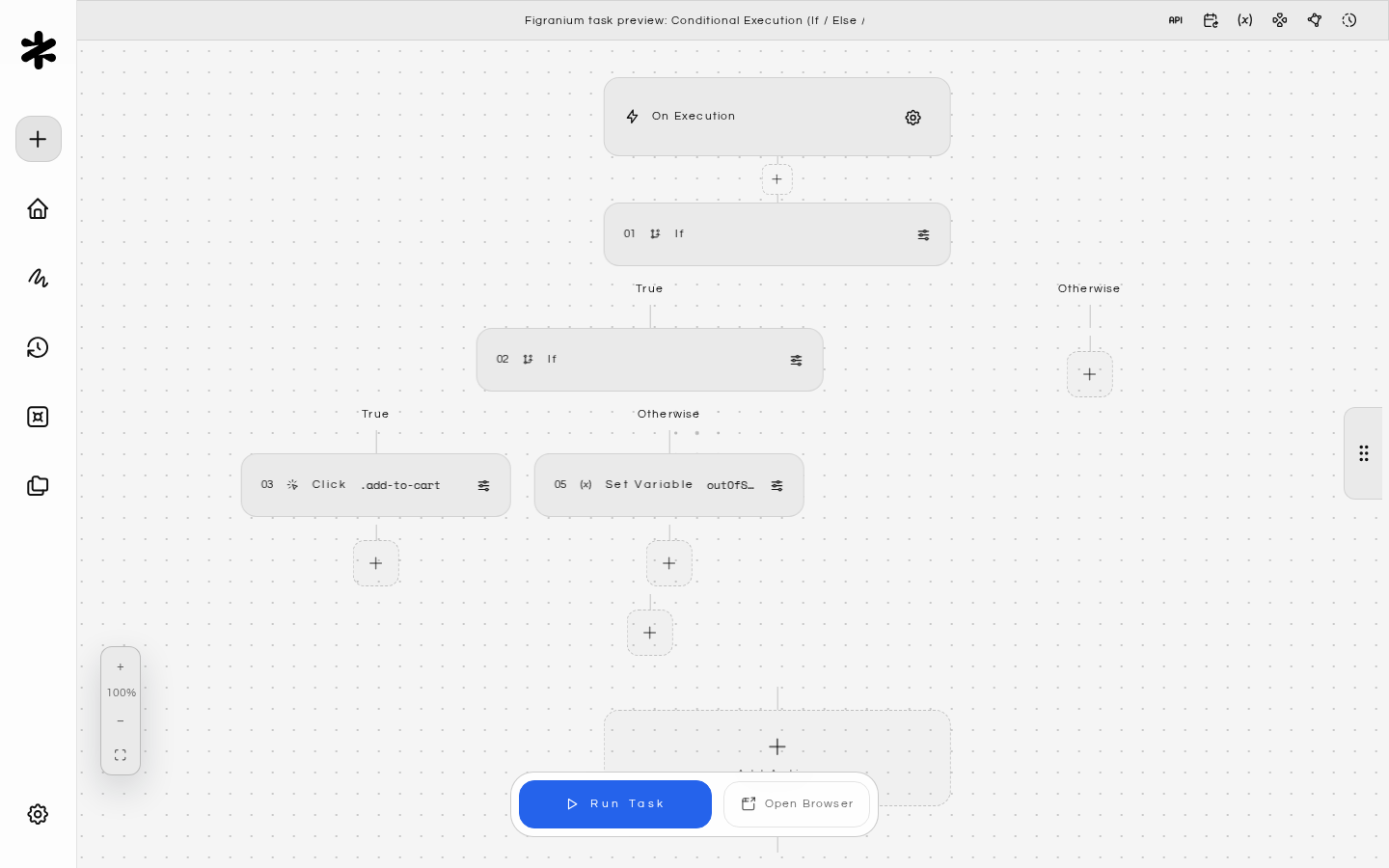
{ "type": "if", "value": "exists('.product')" },
  { "type": "if", "value": "text('.stock-status') === 'In Stock'" },
    { "type": "click", "selector": ".add-to-cart" },
  { "type": "else" },
    { "type": "set", "varName": "outOfStock", "value": "true" },
  { "type": "end" },
{ "type": "end" }

While Loop

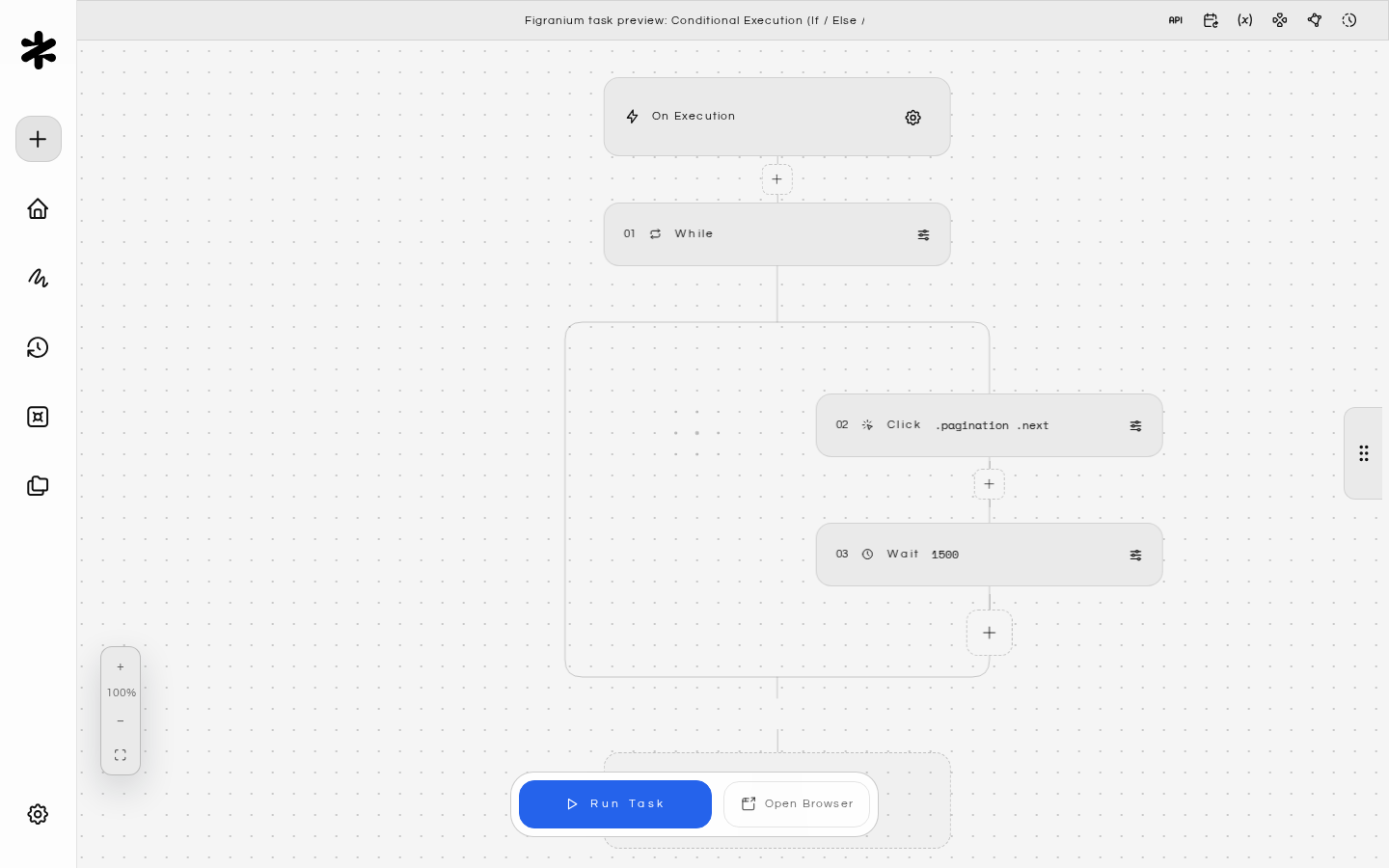
Executes a block of actions repeatedly as long as the condition remains true.
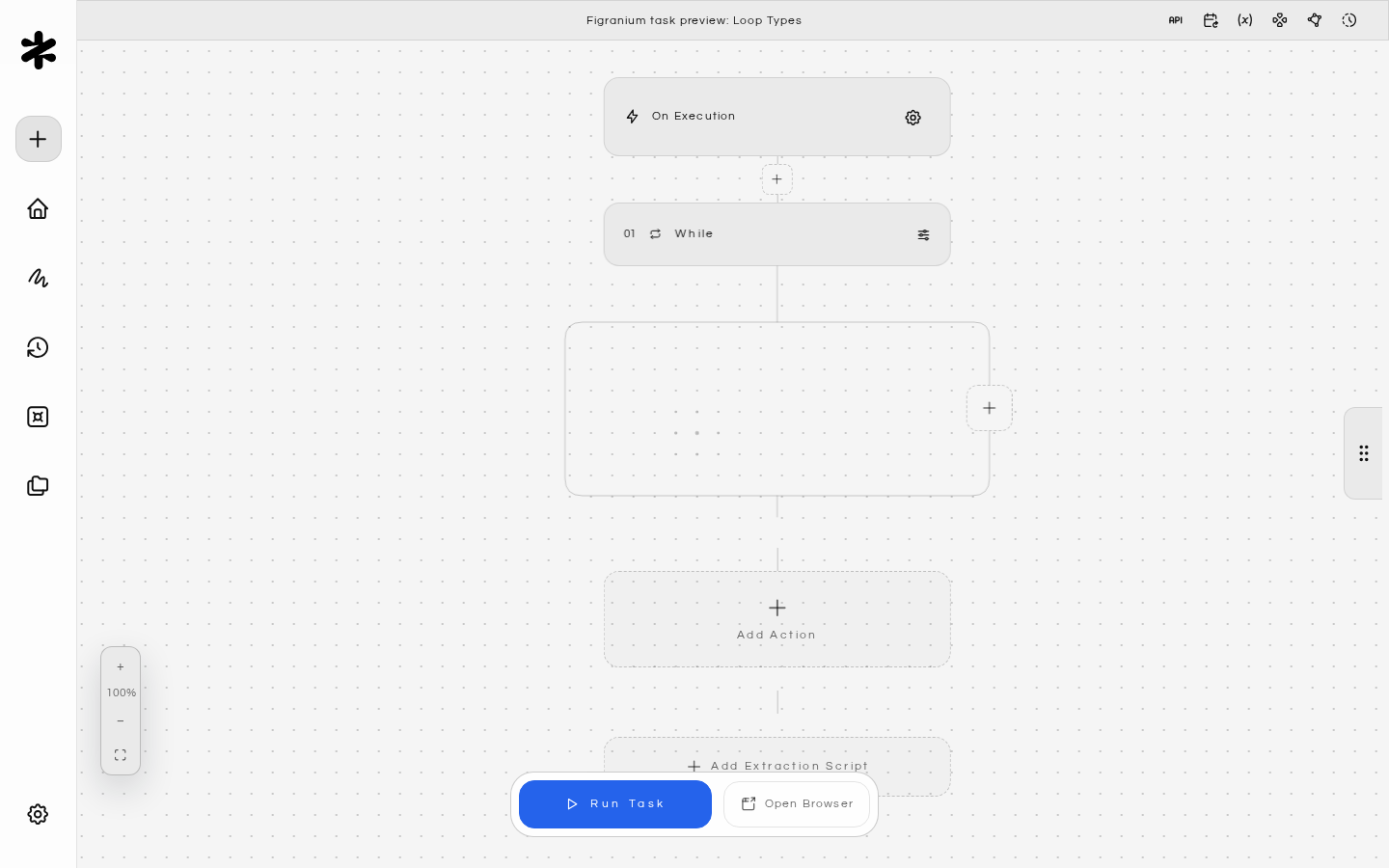
{ "type": "while", "value": "exists('.next-page')" },
  // actions to repeat
{ "type": "end" }
Common use cases:
  • Pagination: Click “next page” until there are no more pages.
  • Polling: Wait for a specific element or state to appear.
  • Retry logic: Re-attempt an action until it succeeds.
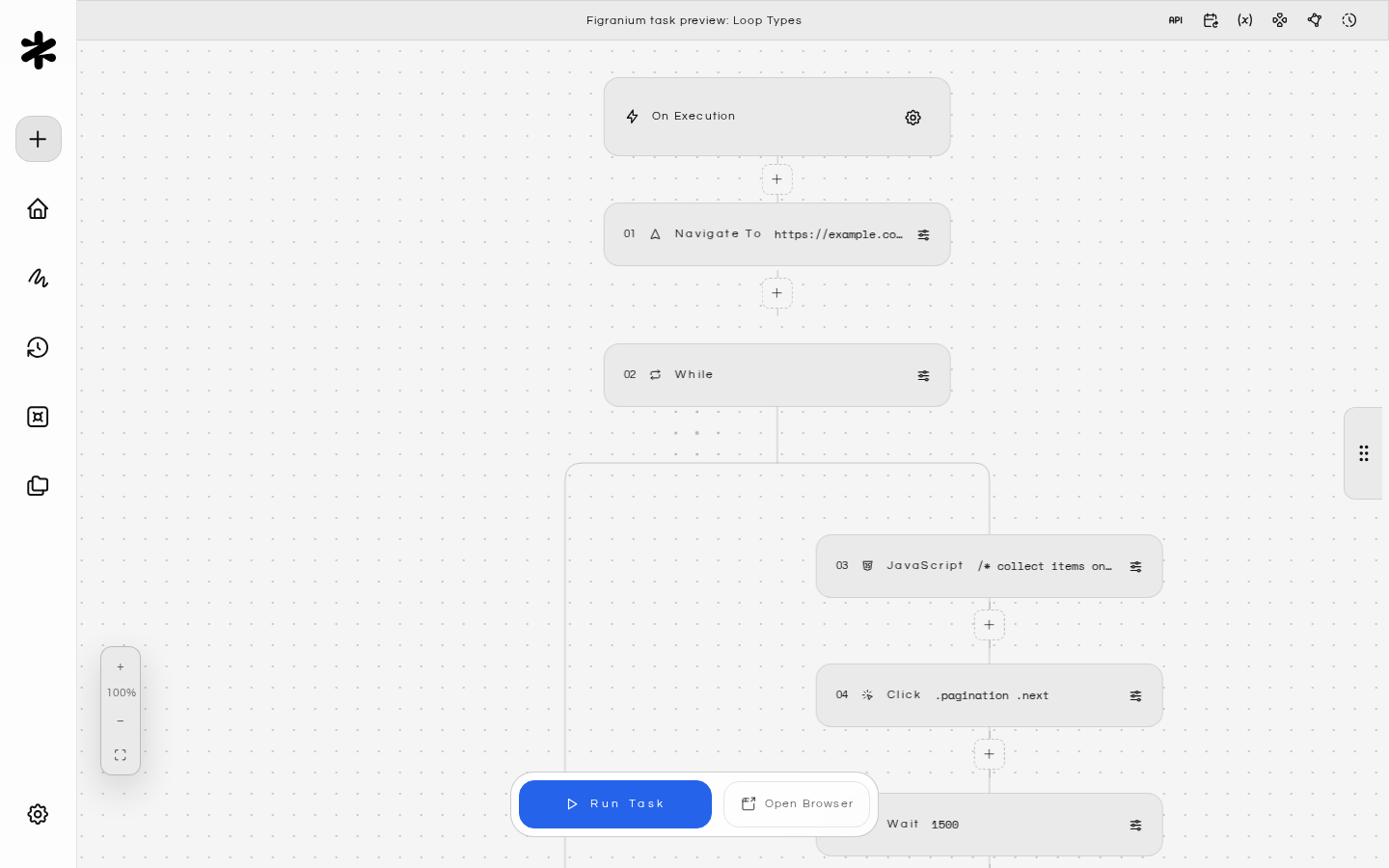
Example: Scraping paginated results
{ "type": "navigate", "value": "https://example.com/listings" },
{ "type": "while", "value": "exists('.pagination .next:not(.disabled)')" },
  { "type": "javascript", "value": "/* collect items on this page */" },
  { "type": "click", "selector": ".pagination .next" },
  { "type": "wait", "value": "1500" },
{ "type": "end" }
Prevent infinite loops by tracking a counter variable:
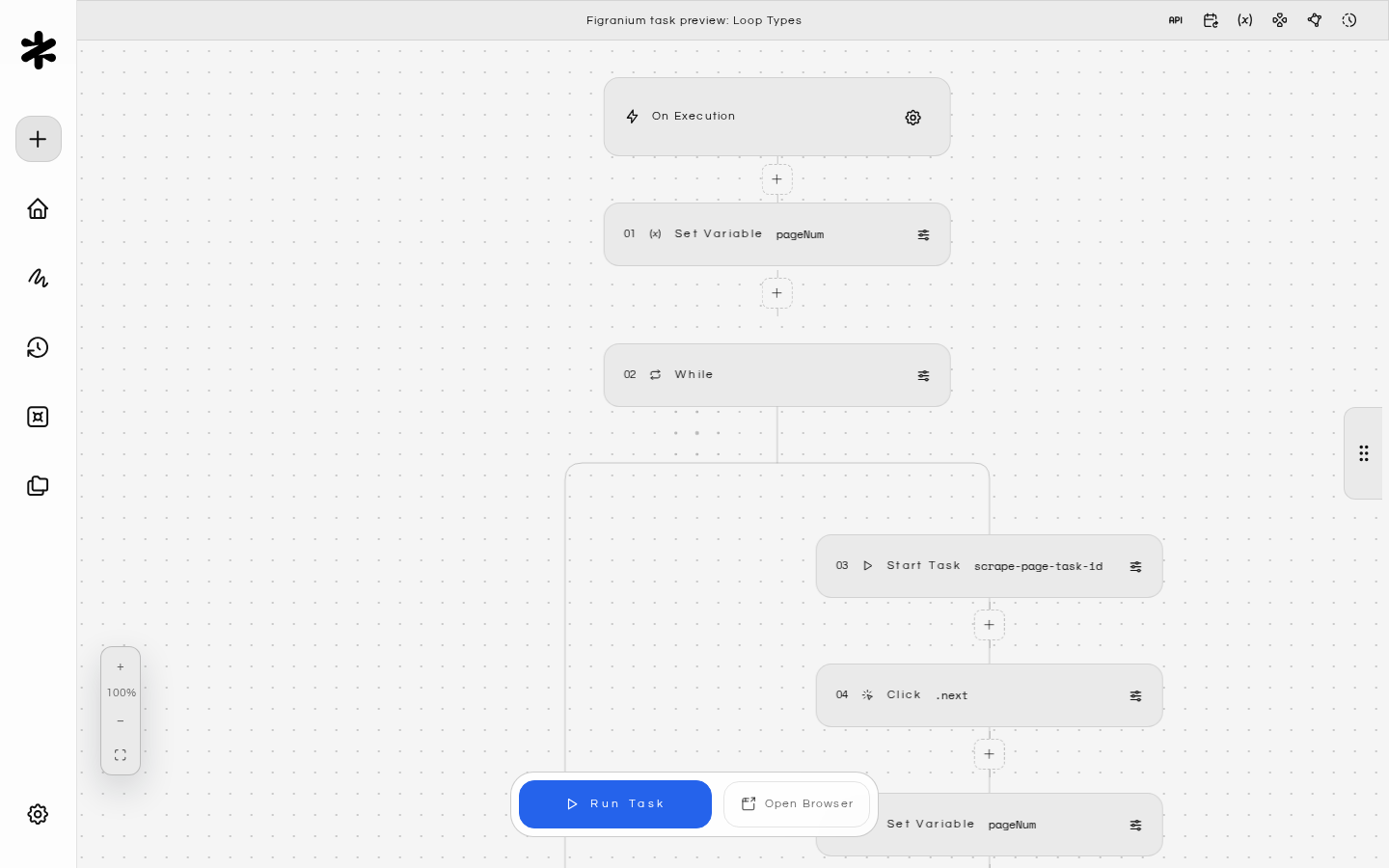
{ "type": "set", "varName": "pageNum", "value": "1" },
{ "type": "while", "value": "exists('.next') && {$pageNum} <= 10" },
  { "type": "start", "value": "scrape-page-task-id" },
  { "type": "click", "selector": ".next" },
  { "type": "set", "varName": "pageNum", "value": "{$pageNum} + 1" },
{ "type": "end" }

Foreach Loop

Iterates over all elements matching a CSS selector, executing the block once per element.
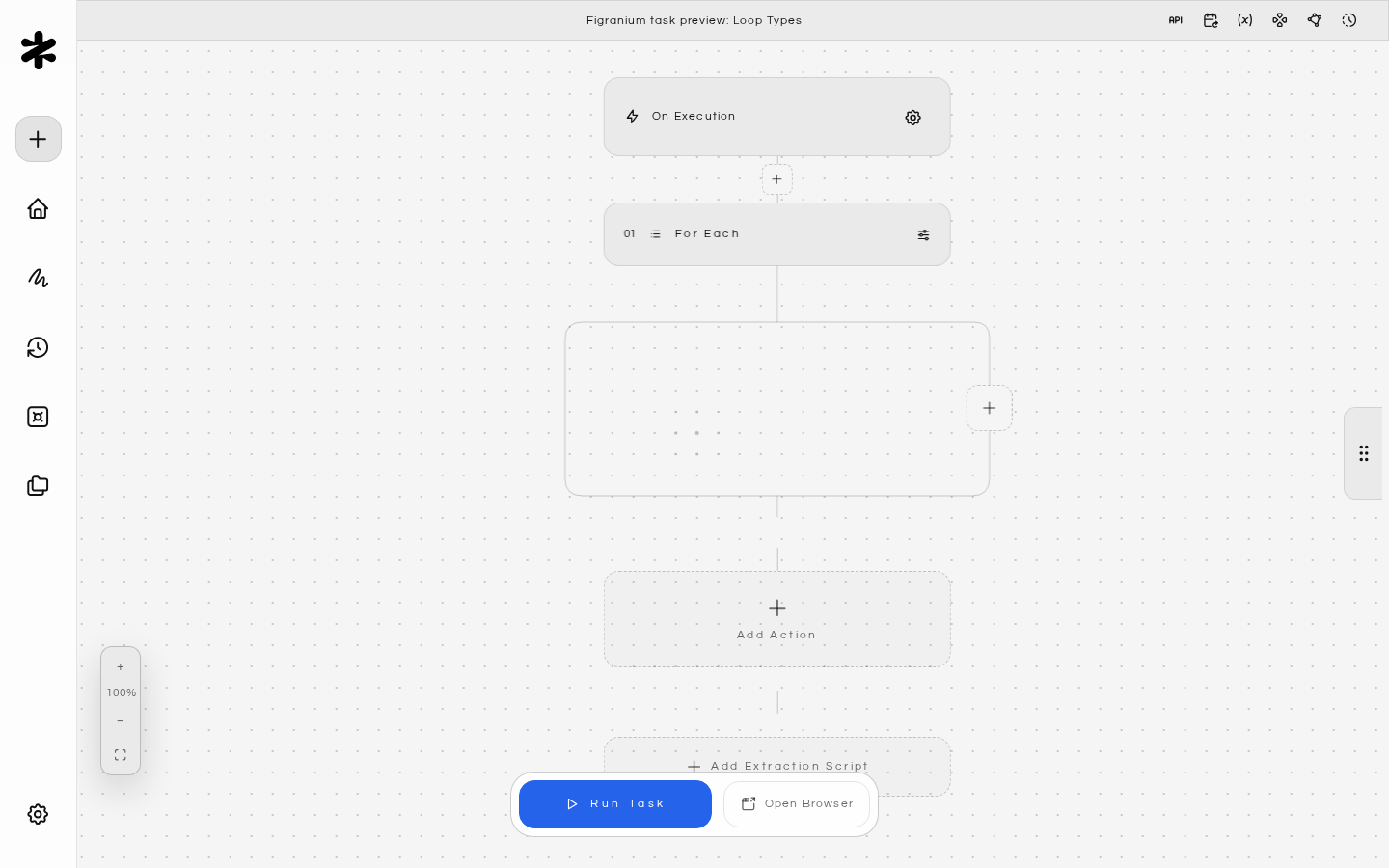
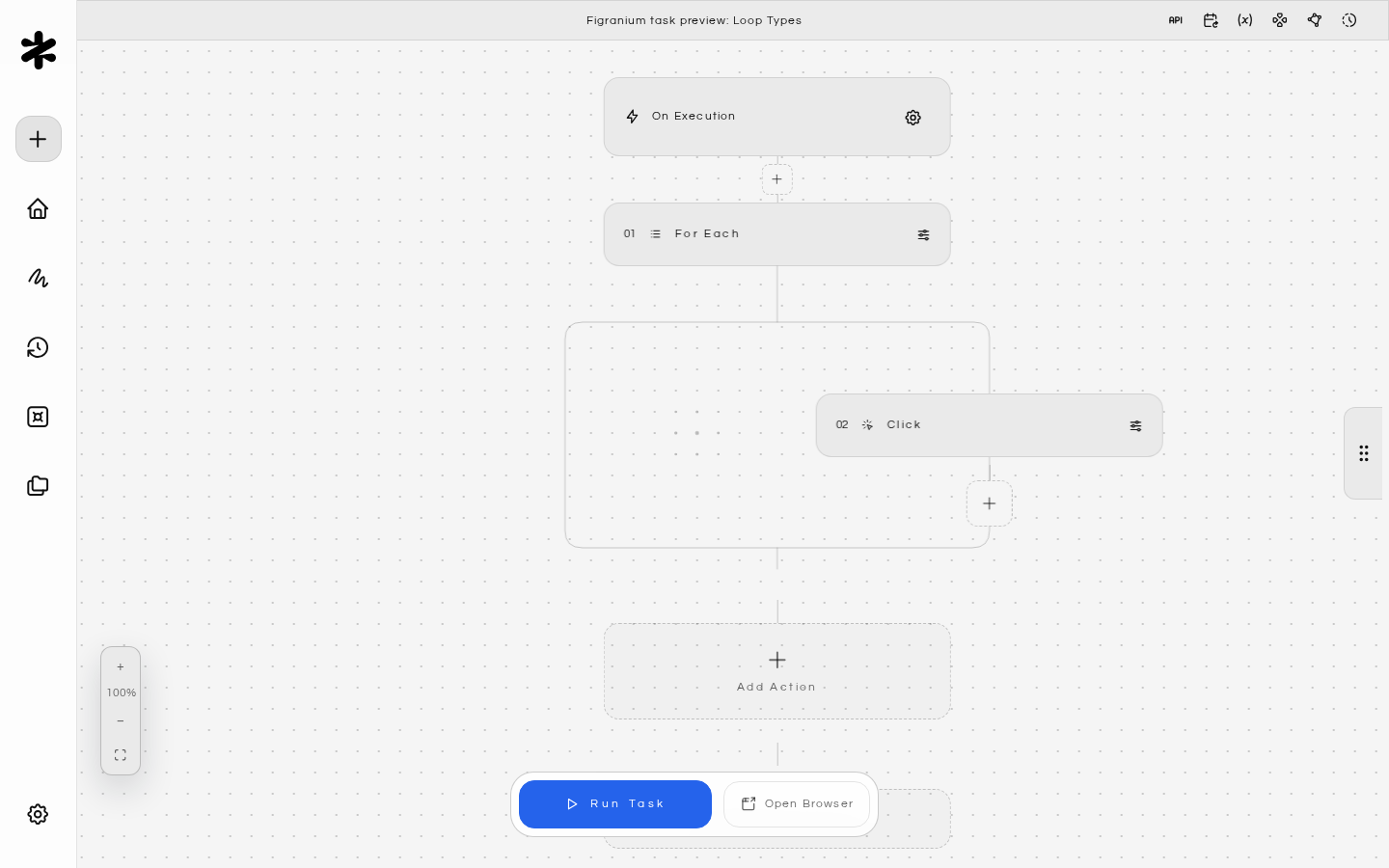
{ "type": "foreach", "selector": ".product-card" },
  // actions scoped to each element
{ "type": "end" }
Loop variables available inside the block:
VariableDescription
loop.indexZero-based index of the current iteration
loop.textThe full text content of the current element
loop.htmlThe full HTML of the current element
loop.itemReference to the current element (for click/interact without a selector)
Example: Clicking each item in a list
{ "type": "foreach", "selector": ".todo-item input[type='checkbox']:not(:checked)" },
  { "type": "click" },
{ "type": "end" }
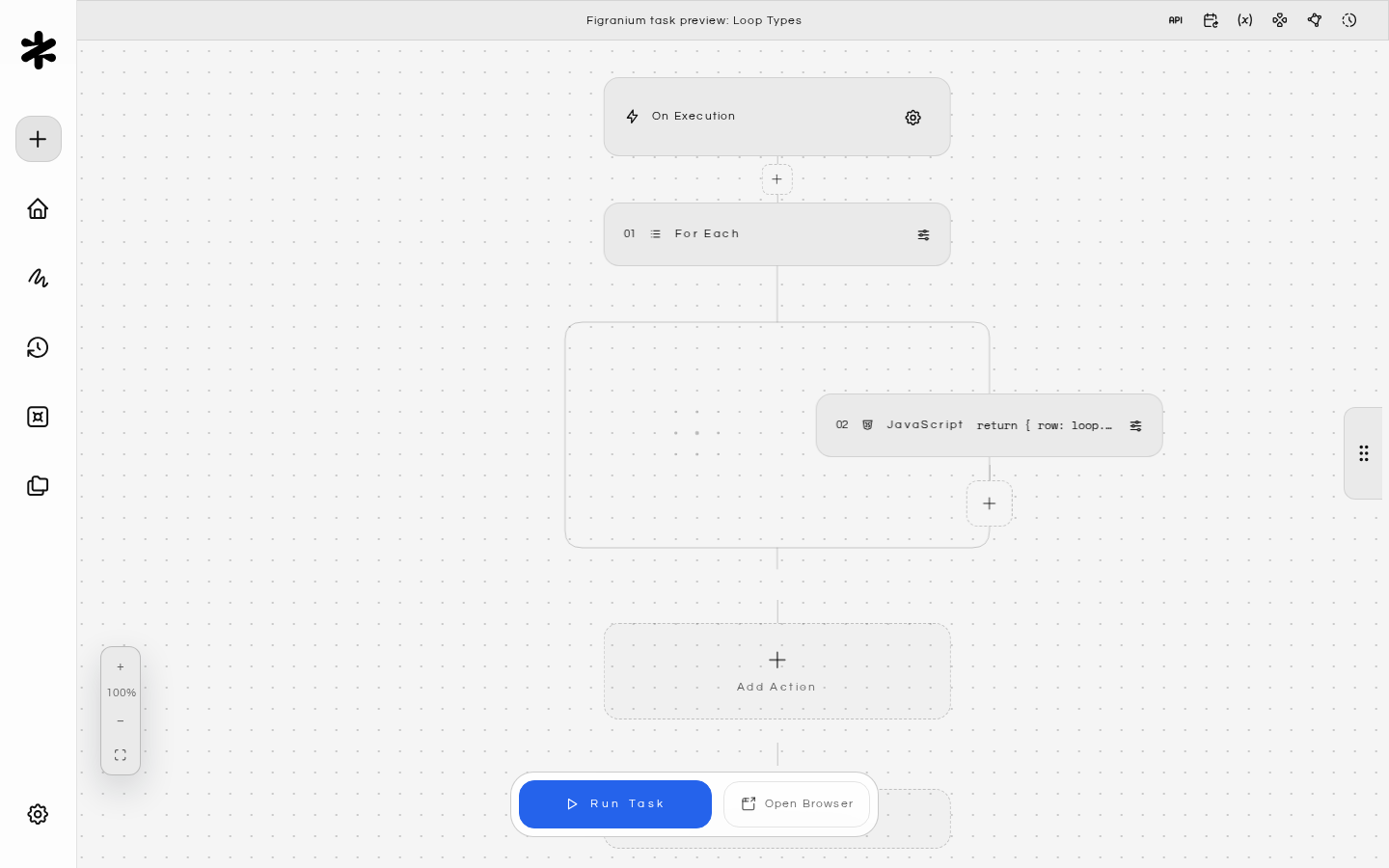
Example: Extracting data from a table
{ "type": "foreach", "selector": "table tbody tr" },
  { "type": "javascript", "value": "return { row: loop.index, text: loop.text }" },
{ "type": "end" }

Repeat N Times

Executes a block a fixed number of times regardless of any condition.
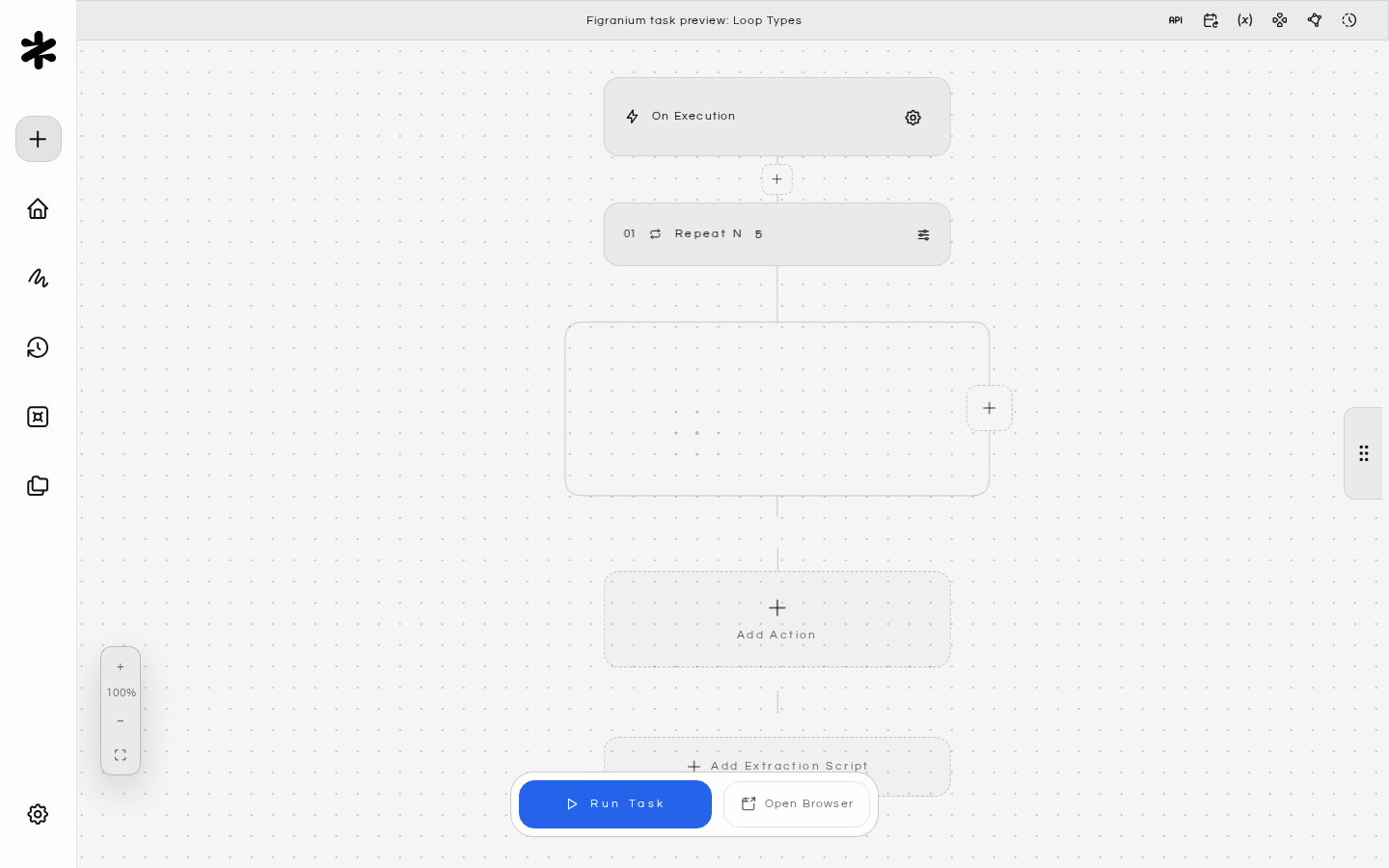
{ "type": "repeat", "value": "5" },
  // actions to repeat
{ "type": "end" }
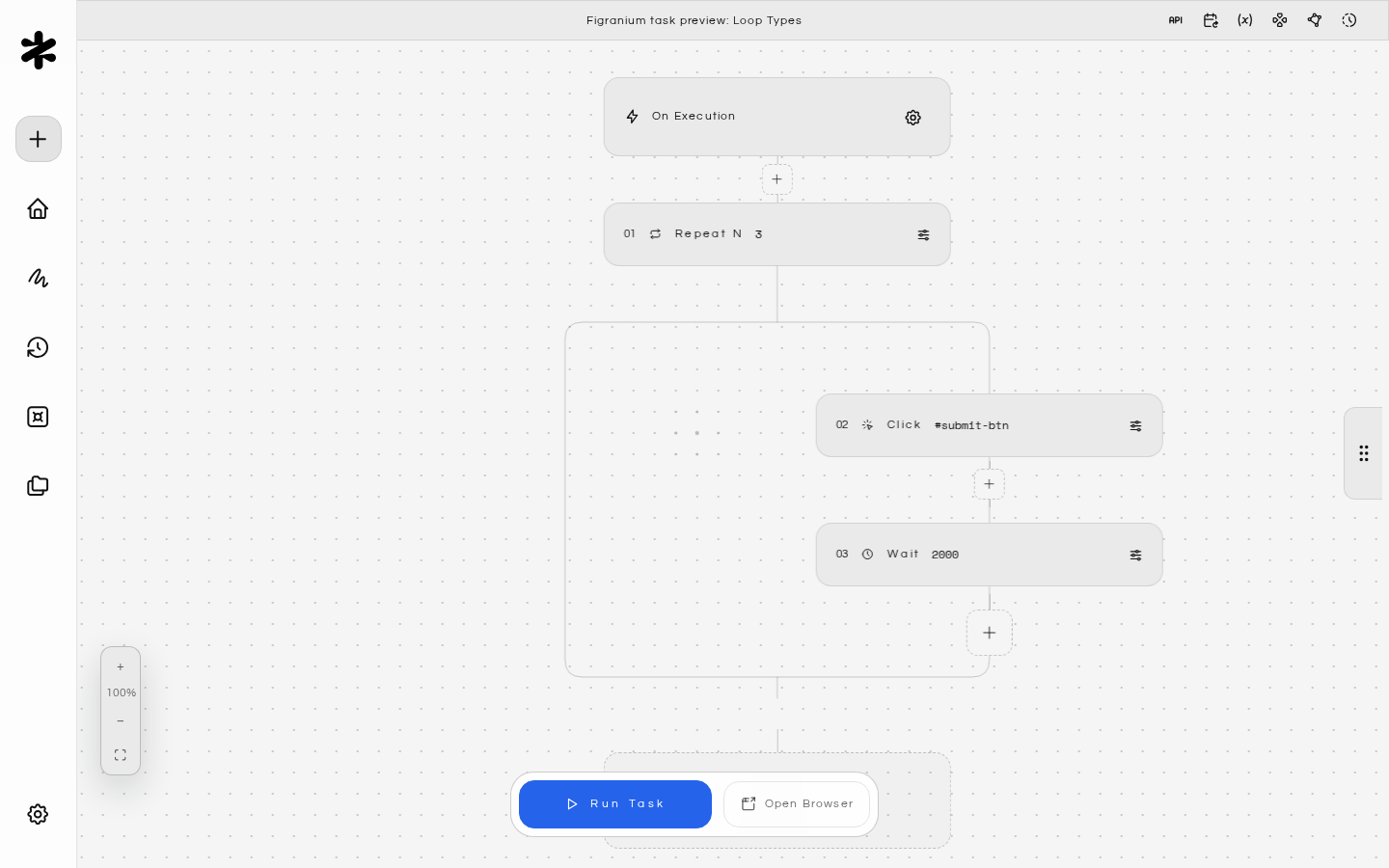
The loop.index variable is available inside repeat blocks (zero-based). Example: Submit a form 3 times
{ "type": "repeat", "value": "3" },
  { "type": "click", "selector": "#submit-btn" },
  { "type": "wait", "value": "2000" },
{ "type": "end" }

Error Handling (On Error)

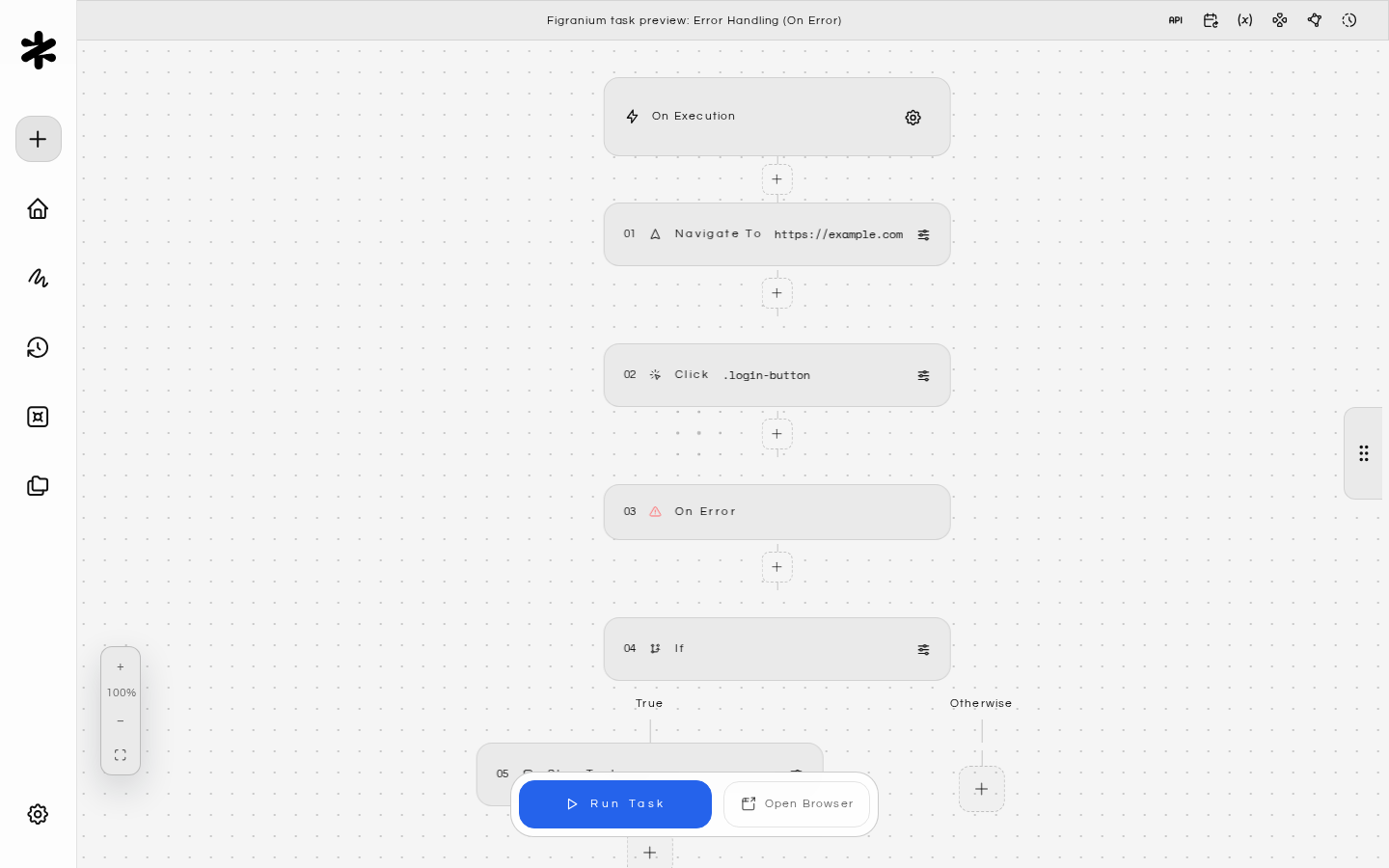
The On Error block acts like a try/catch. If any action in the main flow throws an error (timeout, element not found, network failure), execution jumps to the error handler block.
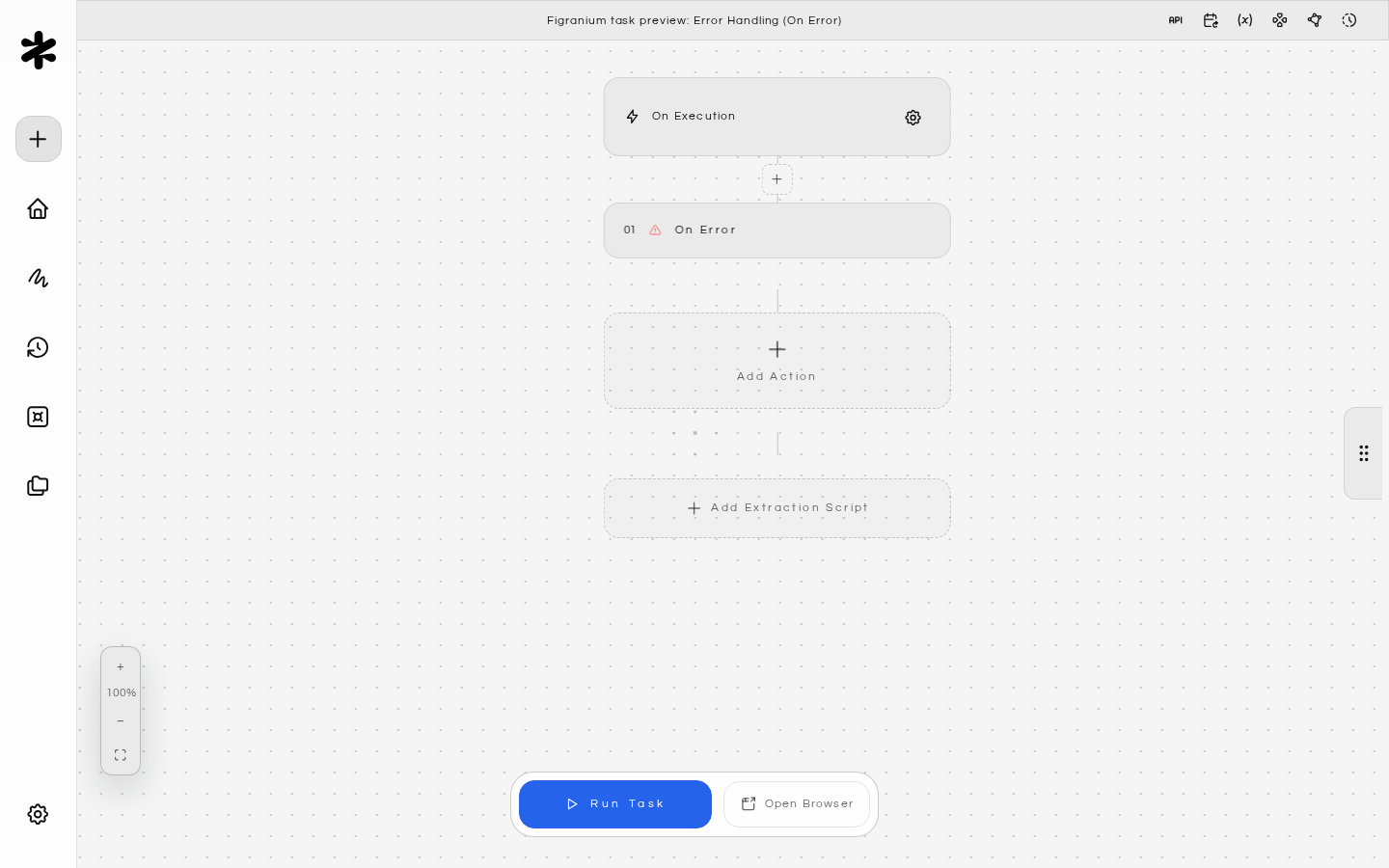
{ "type": "on_error" },
  // recovery actions
{ "type": "end" }
Example: Handle a CAPTCHA popup
{ "type": "navigate", "value": "https://example.com" },
{ "type": "click", "selector": ".login-button" },
{ "type": "on_error" },
  { "type": "if", "value": "exists('.captcha-frame')" },
    { "type": "stop", "value": "error" },
  { "type": "end" },
{ "type": "end" }
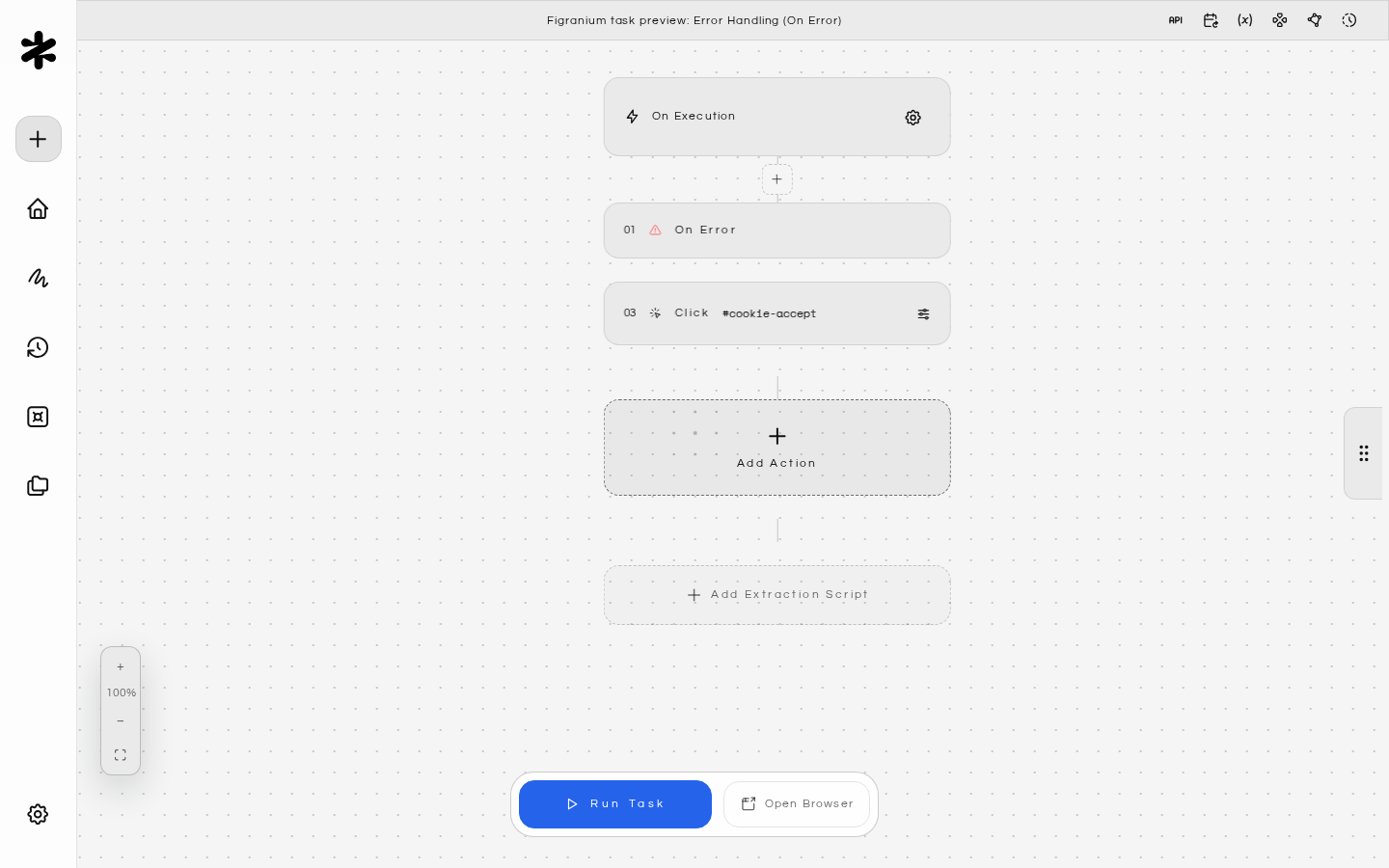
Example: Dismiss a cookie banner that may or may not appear
{ "type": "on_error" },
{ "type": "end" },
{ "type": "click", "selector": "#cookie-accept", "timeout": 3000 },
Placing an empty on_error/end block before an optional action effectively makes that action non-fatal. See Error Handling for a deeper guide on retry patterns and resilient task design.

Stop Task

Immediately terminates the current task execution with a given status.
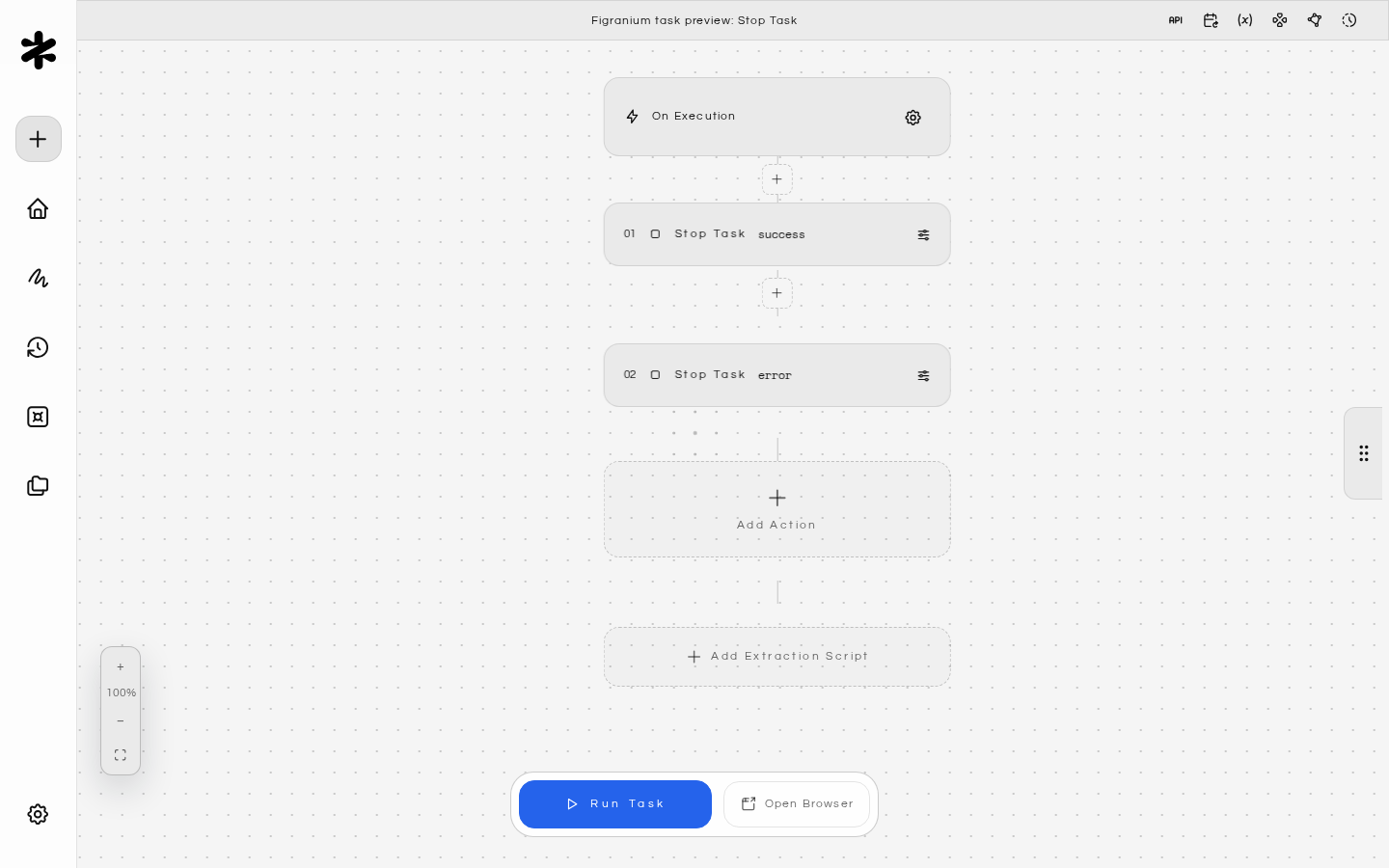
{ "type": "stop", "value": "success" }
{ "type": "stop", "value": "error" }
Use stop inside conditionals to short-circuit execution when a goal is already met or when an unrecoverable state is detected.