

- An explicit Solve Captcha block that you drop at the exact step in your flow where a challenge appears.
- A task-level Auto-Solve Captchas toggle that runs the same detection pass after the initial task navigation and after every
navigate,click, andtypeaction, for tasks that hit CAPTCHAs at unpredictable points.
How solving works
When the block runs, Figranium:1
Detect the challenge and wait for readiness
Scans the page (or the container you scoped it to) for a supported widget, waits until its control is initialized, visible, enabled, and stable, then reads its site key, action, and other parameters. If no challenge becomes ready in time, the block errors out with
solve_captcha: no CAPTCHA challenge became ready within <timeout>ms.2
Try the remote endpoint (if configured)
If
CAPTCHA_SOLVER_URL is set, submits a task to that endpoint and waits up to CAPTCHA_REMOTE_TIMEOUT_MS for a token. Failures are logged and the block falls through to the local solver.3
Run the local active-browser solver
Solves the challenge inside the task’s own browser session using the selected model tier. For reCAPTCHA v2 and hCaptcha image challenges, a grid engine handles 3×3 and 4×4 layouts and replacement tiles. Turnstile and checkbox-only test-key flows are model-free.
4
Inject the token
Writes the token into the page’s response field and fires the site’s own callback so the form thinks a real user solved it.
SKIP_LOCAL_CAPTCHA_MODEL=true to disable local probing entirely.
Solve Captcha
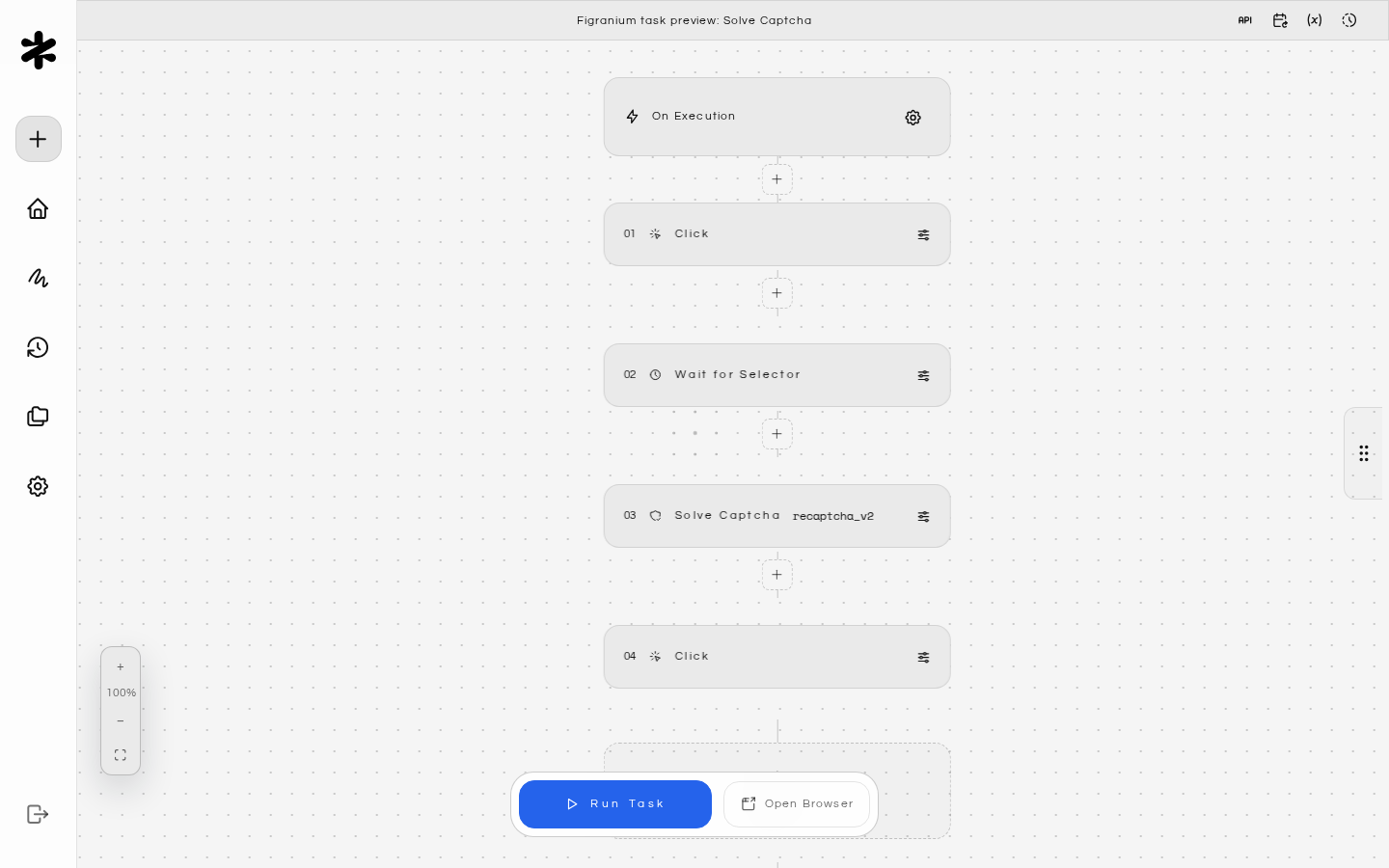
Drop the Solve Captcha block into a task at the step where you expect a challenge. See Action Blocks — Solve Captcha for the full field reference; the shape is: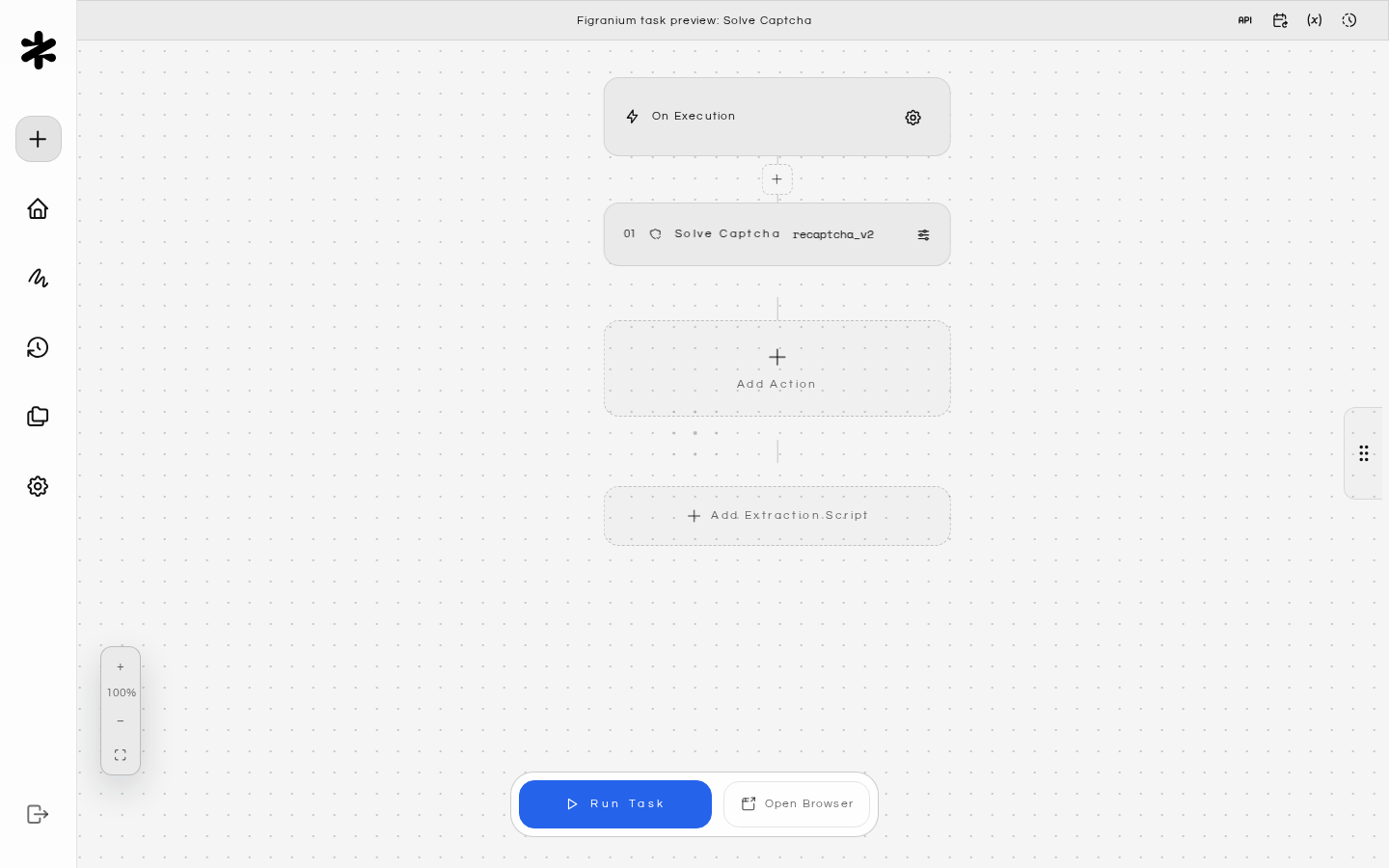
captchaTypeis optional — omit it to auto-detect from the page. Supported values:recaptcha_v2,recaptcha_v3,hcaptcha,turnstile.selectoris optional — omit it to scan the whole page.varNamestores{ success, challenge, duration, provider, model?, device?, attempts }so you can log or branch on the outcome.timeoutis the terminal deadline in milliseconds (default120000). Provider errors are returned immediately rather than being reported as timeouts.
Wait for Captcha
The Wait for Captcha block pauses the task until a CAPTCHA control is ready to interact with, without clicking or solving it. Figranium polls the page until the widget’s checkbox (or equivalent provider control) is initialized, visible, enabled, pointer-receivable, and stable. Use it when:- You solve challenges yourself (manually through the headful browser, or with custom logic) and need the flow to hold until the widget has rendered.
- You want to confirm a challenge appeared before branching with an If block.
- A widget loads asynchronously and later steps race against it.
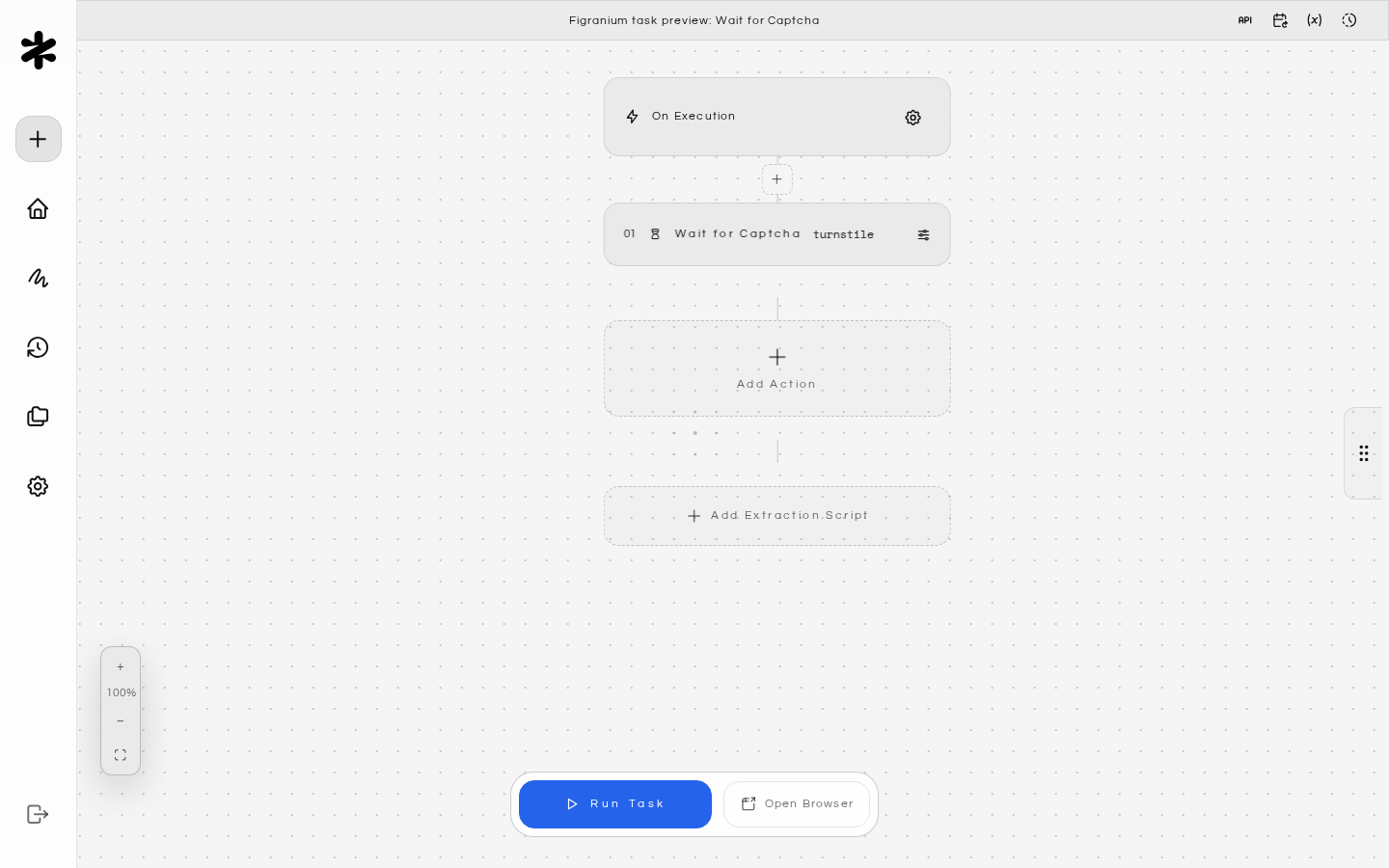
captchaTypeis optional — omit it to wait for the first ready challenge of any supported type. Supported values:recaptcha_v2,recaptcha_v3,hcaptcha,turnstile.selectoris optional — omit it to scan the whole page.varNamestores{ ready, challenge, duration, siteKey? }.timeoutis the deadline in milliseconds (default120000).
wait_captcha: no ready CAPTCHA found within <timeout>ms. Catch it with an On Error block if a missing challenge is an expected path.
The Solve Captcha block runs the same readiness wait internally before solving, so you don’t need a Wait for Captcha block in front of it.
Cloudflare managed challenges
Cloudflare serves Turnstile in two forms: a standalone widget embedded in a page, and a managed challenge (the full-page “Checking your browser” interstitial on Challenge pages). Figranium handles both:- Standalone Turnstile solves through the remote endpoint or locally, like other challenge types.
- Managed challenges require a configured remote solver. Figranium intercepts the challenge before navigation completes and captures the one-time site key, action,
cData,chlPageData, callback, and user agent that compatible solvers need. The payload uses the field conventions of your endpoint, supporting both 2Captcha-style and AntiCaptcha-style dialects automatically based on the endpoint hostname.
CAPTCHA_SOLVER_URL set, a managed challenge fails with the local route reporting managed Turnstile challenges require a configured remote solver in attempts.
Auto-Solve Captchas (task setting)
Toggle Auto-Solve Captchas in the task settings Behavior tab. When enabled, Figranium runs the same detection pass automatically after the initial task navigation and after every Navigate, Click, and Type action in that task.- Default: off. Tasks that don’t need CAPTCHA handling pay no extra latency.
- When no challenge is present on the page, the auto-pass silently no-ops.
- Each auto-pass waits up to
CAPTCHA_AUTO_DETECT_TIMEOUT_MS(default5000ms) for a challenge to become ready before moving on, so pages without a challenge aren’t stalled for the full solve deadline. - Auto-solve and explicit Solve Captcha blocks work together, so turning auto-solve on doesn’t disable your explicit blocks.
Local solver models
The local solver auto-selects a model tier based on host memory. Weights are fetched on first use into persistentdata/captcha-model/; nothing is bundled into the Docker image. Every artifact is pinned to an exact upstream commit, size, and SHA-256 digest, and inference loads with remote access disabled.
Only the active tier is retained at steady state.
Optional Apple Silicon companion
On Apple Silicon (Docker Desktop or native macOS), an optional companion process runs inference on Apple unified memory and CoreML/MLX acceleration, keeping model weights out of the container image:GET /v1/health and POST /v1/detect, caps request and image sizes, serializes inference, and applies inference timeouts.
Docker Desktop discovers the companion at http://host.docker.internal:11438; native macOS uses loopback. Override with CAPTCHA_COMPANION_URL if needed. The bearer token is shared through the data/ mount by default, or set CAPTCHA_COMPANION_TOKEN explicitly.
Optional remote endpoint
The local solver works standalone. If you have a YesCaptcha/AntiCaptcha-compatible endpoint, set these variables to try it first and fall back to the local solver on failure.Standard AntiCaptcha/YesCaptcha payloads never receive cookies. Proxy and browser-context forwarding are disabled by default because they disclose sensitive connection and session data to the configured endpoint; both are separate explicit opt-ins. Context is only sent to custom endpoints advertising
browserContext version 1, and cookies are filtered to the active page origin. Secrets are redacted from terminal errors and logs.Local solver tuning
Docker Compose example:
docker-compose.yml
Return value
If you setvarName, the variable holds:
success:truewhen the token was injected,falseotherwise.challenge: The detected challenge type (recaptcha_v2,recaptcha_v3,hcaptcha, orturnstile).duration: Milliseconds the solve took end-to-end.provider: Which route produced the token (remoteorlocal).model,device: Set when the local solver produced the token (owlvit/florence2,cpu/coreml/companion, …).attempts: Per-route routing outcomes (no credentials or tokens included).
{$captchaResult.success}.
Troubleshooting
When a Solve Captcha or Wait for Captcha block fails, the run log includes sanitized[CAPTCHA ERROR] lines with per-route diagnostics (credentials and tokens are redacted), and the block reports an errored status. Existing On Error handling applies: with a handler the flow jumps to it, without one the failure is logged and the run continues.
Block errors with 'no solver route succeeded'
Block errors with 'no solver route succeeded'
Both the remote endpoint (if configured) and the local solver failed. Check
attempts in the return value for the per-route error. Common causes: CAPTCHA_SOLVER_URL unreachable, host memory below 2 GiB with SKIP_LOCAL_CAPTCHA_MODEL implicitly disabling local, or a challenge variant not yet supported.Local solver never runs on a small host
Local solver never runs on a small host
Local image solving requires at least 2 GiB effective cgroup memory. On smaller hosts, configure a remote endpoint via
CAPTCHA_SOLVER_URL / CAPTCHA_SOLVER_KEY.Forcing CAPTCHA_MODEL_TIER=florence2 fails to start
Forcing CAPTCHA_MODEL_TIER=florence2 fails to start
Florence-2 requires 8 GiB+ effective memory and 2 GiB available. Drop back to
auto or owlvit.Solve times out at the default deadline
Solve times out at the default deadline
Raise the block’s
timeout field (default 120000). reCAPTCHA v2 image challenges routinely take longer than a minute. If you’re mostly hitting the remote route, adjust CAPTCHA_REMOTE_TIMEOUT_MS and CAPTCHA_LOCAL_FALLBACK_MIN_MS to reallocate the budget.Apple Silicon companion not detected
Apple Silicon companion not detected
Verify the companion is running (
npm run captcha:companion:start or the :docker variant), that data/captcha-companion-token is shared between the container and the companion (or CAPTCHA_COMPANION_TOKEN is set on both sides), and that CAPTCHA_COMPANION_URL points at a reachable host — Docker Desktop uses http://host.docker.internal:11438.